Fathom still invites a bot into your call on most platforms. Superhuman, a larger AI productivity vendor with its own suite, bought Fathom on September 14, 2026. While Fathom insists nothing is changing now, the Fathom AI Notetaker will likely be rolled into Superhuman's wider AI productivity platform.
Reasons to look for Fathom AI alternatives in 2026 are plentiful. To help Fathom users find a simpler solution and avoid paying for a whole productivity suite they don't want or need, I've tested and ranked nine popular Fathom alternatives.
I used Bluedot, tl;dv, Jamie, Granola, Fellow, Fireflies, Otter, Avoma, and Read AI. Each platform was tested on real meetings so I could see how each AI note taker records, what it costs for a team, how it treats user data, and what it's actually good for.
Here's how the 9 Fathom alternatives compare.
Key Takeaways
- Bluedot is the best Fathom AI alternative for teams that want to use one meeting note taker: bot-free on Mac and Windows across Zoom, Google Meet, and Microsoft Teams on every plan, data in Europe or the US, and one workspace with roles and access-controlled collections. Video and custom templates start at Pro.
- tl;dv suits EU teams who share meeting videos, but its bot-free desktop path records audio only, and the free tier archives your video after two days.
- Jamie never joins a call at all, which fits regulated and client-facing work, but it keeps no recording to replay and credits lock your notes when you run over.
- Granola is the invisible notepad for solo operators, though it stores no audio or video and has been known to stop recording without saying so.
- Fellow is the cheapest way to get a whole team recording at $7 a seat, but the note taker runs on credits, and the governance features are Enterprise only.
- Fireflies writes into more CRMs than anything else here, though AI credits meter on top of the seat price and its defaults push recordings outward.
- Otter is the only one that files slides with the transcript, but that path needs the bot, and Basic caps you at 300 minutes a month.
- Avoma has the deepest CRM write-back, though coaching and forecasting are $29-a-seat add-ons that take a $19 seat to $48.
- Read AI scores engagement from facial cues as well as talk time, but reports auto-share to everyone on the invite until you change the default.
- Fathom itself still has the most generous free plan here — unlimited recordings, storage, and transcripts — so if free is the requirement, stay where you are.
Why teams are looking for Fathom alternatives in 2026
Five things push teams off Fathom right now, and I'll cover each in detail.
Fathom now belongs to Superhuman
Superhuman bought Fathom on September 14, 2026. The same day, Fathom published a letter promising nothing changes today — with "today" being the operative word.
Over time, all the things users care about will probably change: pricing, the free plan, data security and privacy conditions, and most importantly, whether it stays a standalone tool at all.
Just look at what happened when ZoomInfo bought Chorus — the standalone product is long gone.
The bot joins your client's meeting
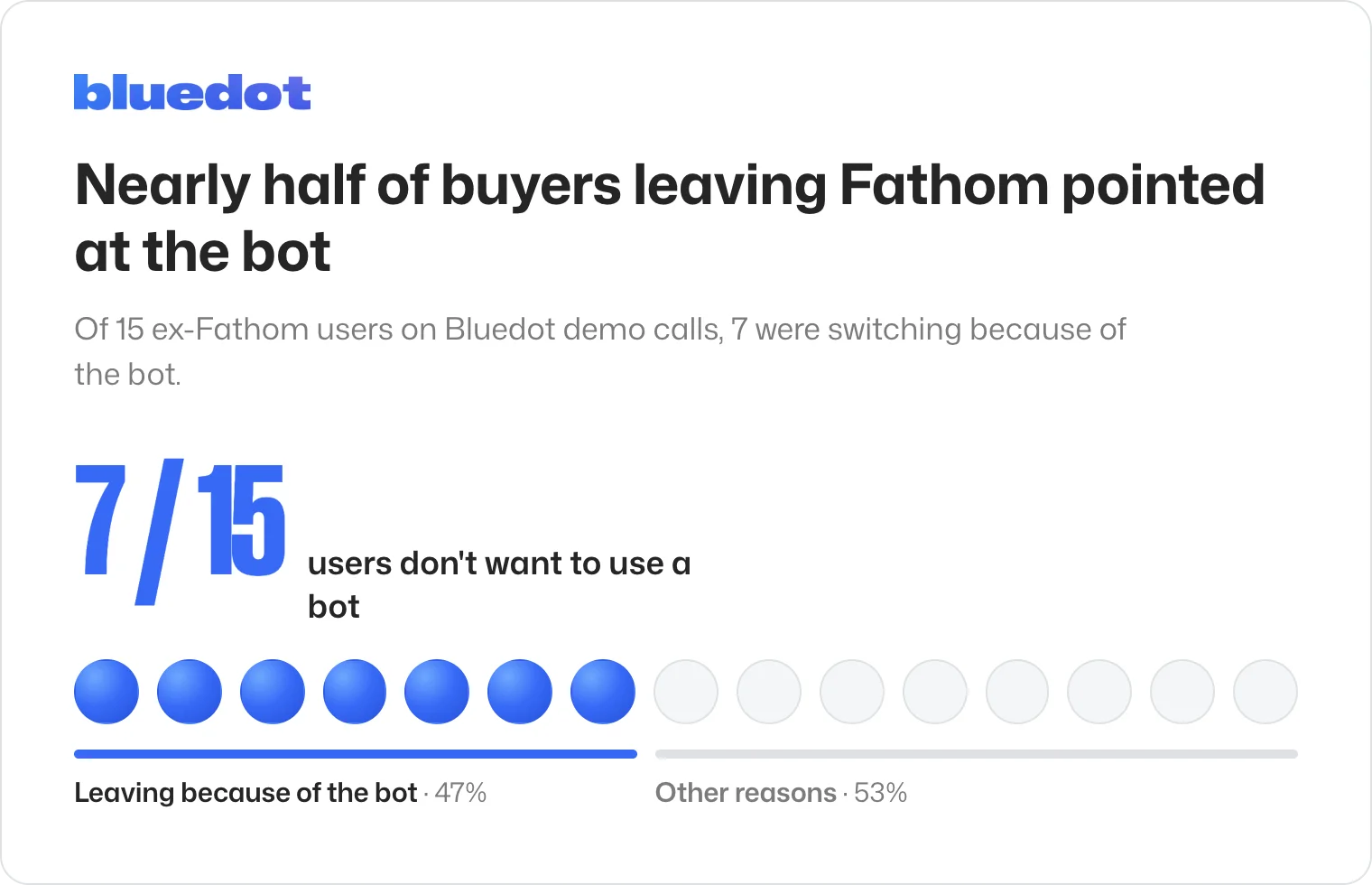
The visible bot is the most common reason buyers give us for leaving Fathom.
Nearly half of the buyers who brought up Fathom on our demo calls over the past year named its visible bot — or the recording announcement — as the reason they were looking elsewhere.
"Some clients don't like it — they kick it out." — VP Operations, industrial services
And we're not just getting this from client calls. In 2026, a Bluedot survey of 2000+ workers concluded most professionals who attend meetings don't like bots.
Only 36% of workers say a separate AI notetaker bot joining a meeting doesn't affect them. 13% feel they are being monitored, 13% say it makes the meeting feel less natural, 12% think the person using it comes across as lazy — and 9% ask for the bot to be removed.
The Fathom note taker does record bot-free now, but only on a Mac, only in English, and video only on Zoom. On Windows, in any other language, and in Microsoft Teams, a bot still joins.
It's only a bargain for individual use
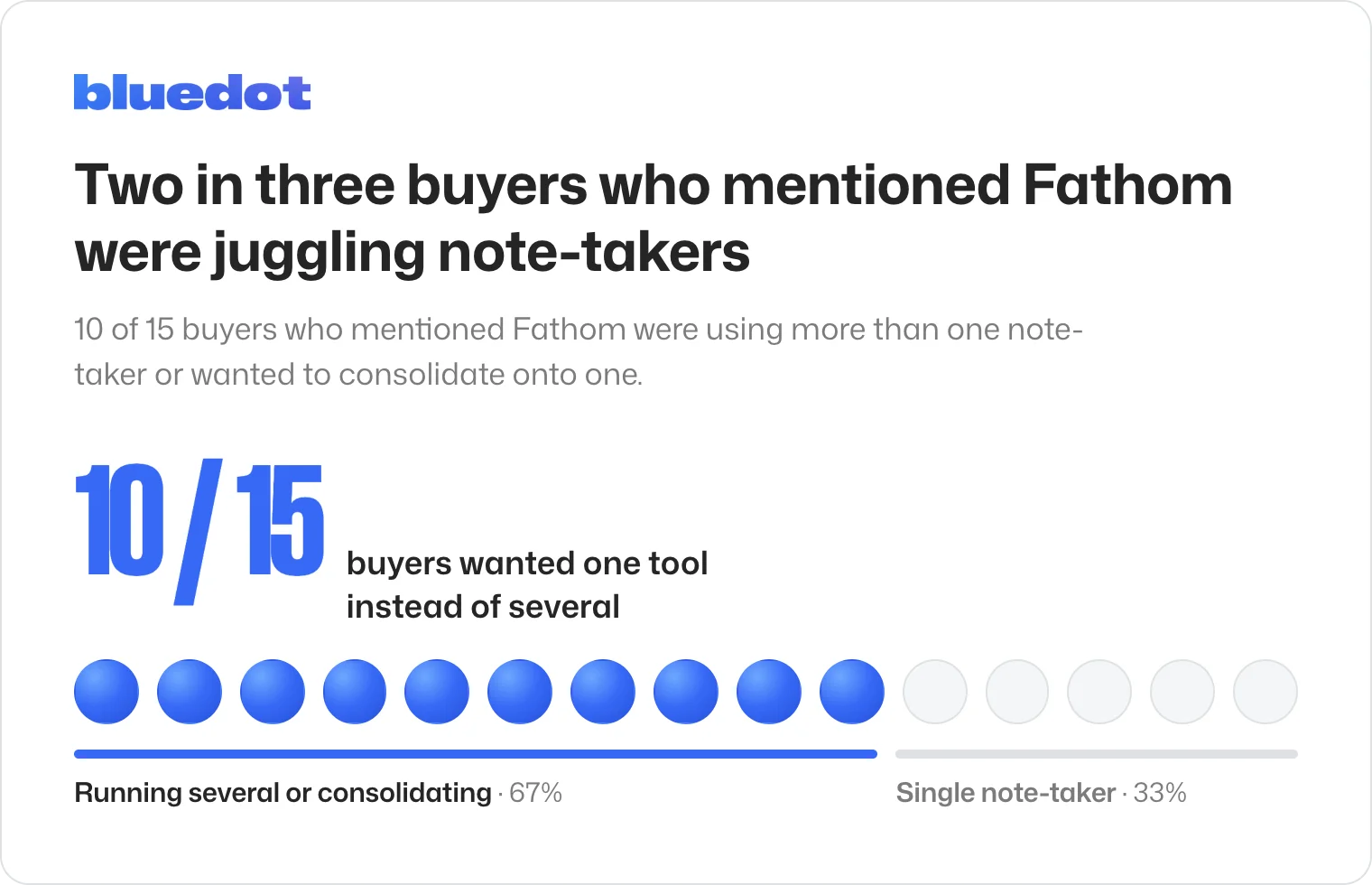
Most Fathom users we talk to care about consolidation, not features.
Two in three of the buyers who mentioned Fathom on our demo calls over the past year were running more than one note-taker across their team, or wanted to consolidate onto one.
"The structure is a bit scattered — they're using different accounts." — Operations lead, media-tech
That's because Fathom's free plan makes it a great choice for individual users — but once you want to scale up and onboard your whole team, Fathom becomes less of a bargain compared to other AI note takers.
Data security and privacy concerns
Fathom keeps all of it in the United States and trains on de-identified data unless you turn that off.
Its sub-processors — Anthropic, OpenAI, Google, and ElevenLabs — are barred from training on your meetings. Fathom itself is not.
It holds SOC 2 Type II, HIPAA, and GDPR, but not ISO 27001, and custom retention is Enterprise-only.
For any team whose security review asks where the recordings sit, that's a definite problem.
Fathom pricing caps
Folders, team recordings, and admin visibility are available on Team or above, and CRM sync is capped at three users per domain until Business.
Free has always been capped at five advanced summaries a month. Since September 1st 2026, it also has a two-week lookback for asking questions across your calls.
Paid plans start at $15 per user per month on annual billing and climb to $35 for Enterprise, annual only.
💡 BLUEDOT PRO TIP
Get your recordings out before you cancel anything. Fathom has no bulk export — it's one download per recording, or the public API, which is on every plan including Free.
Fathom competitors at a glance
Prices are per user per month on annual billing, for the cheapest plan that gives a team a shared workspace:
What to look for in a Fathom AI alternative
Seven things decide the best AI note taker for you:
- How it records — a bot on the popular video conferencing platforms, a bot-free desktop app, a browser extension, or a phone
- What a seat costs at 10 and at 30 — and where the plan stops taking people
- The admin layer — shared folders, who sees whose recordings, when SSO arrives
- Where the data sits — region, retention, and who has to opt out of training
- Note depth you control — templates, editable meeting summaries, questions across past meetings
- Integrations that write back — CRM fields and events, not just a task
- Getting back out — bulk export, and what survives cancellation
#1. Bluedot — for teams standardizing on one bot-free recorder
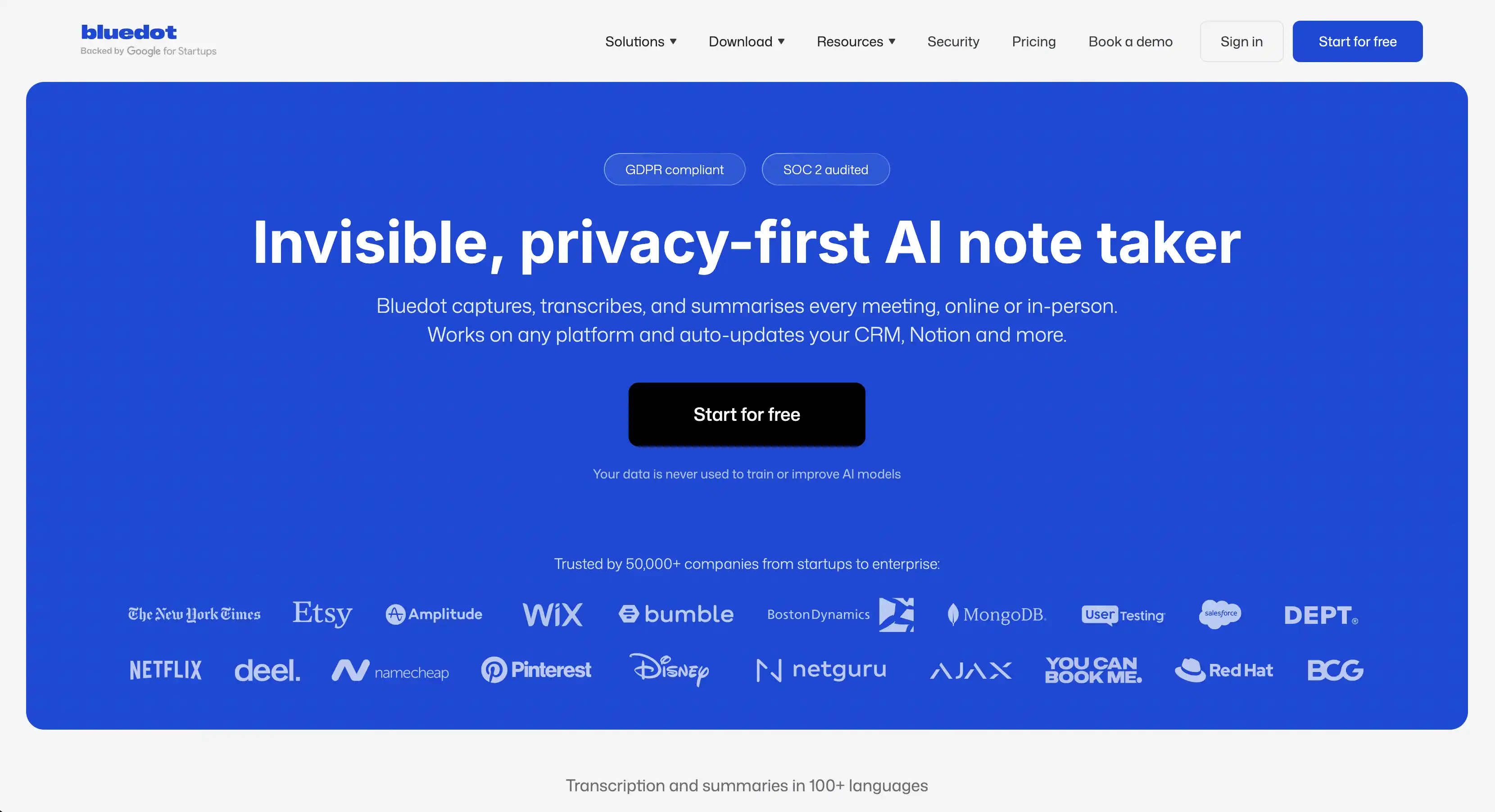
Bluedot is a secure, privacy-first AI note-taker that records, transcribes, and summarizes online and in-person meetings without sending a bot into your calls. It captures audio directly from your device and supports audio and video recording across Chrome, macOS, Windows, iOS, Android, and Apple Watch.
Bluedot is GDPR-compliant, SOC 2 Type II audited, and never uses customer data to train AI models.
For a team leaving Fathom, that combination is the whole point — bot-free recording on both desktop platforms, European hosting, and one workspace an admin controls, without trading away video or mobile to get it.
The desktop app runs on Mac and Windows, with optional auto-record when a call begins. All without a bot. On Microsoft Teams, that call detection works in US and UK English.
When you can't attend (or you just prefer using one), a named bot can also be sent into the meeting. It's the same visible bot participant every other tool here uses, but with Bluedot it's the fallback — not the default.
Admins set the rules once for everyone. You can enforce a recording notification workspace-wide, or restrict who can download, invite, or share recordings outside the company.
"Very easy to use… very happy with it." — Team lead rolling out to a test team, Bluedot user
Who Bluedot is for
Best for: ops, IT, and chief-of-staff leads pulling a team off personal accounts onto one plan, and client-facing teams that don't want a bot in their meetings.
Key features
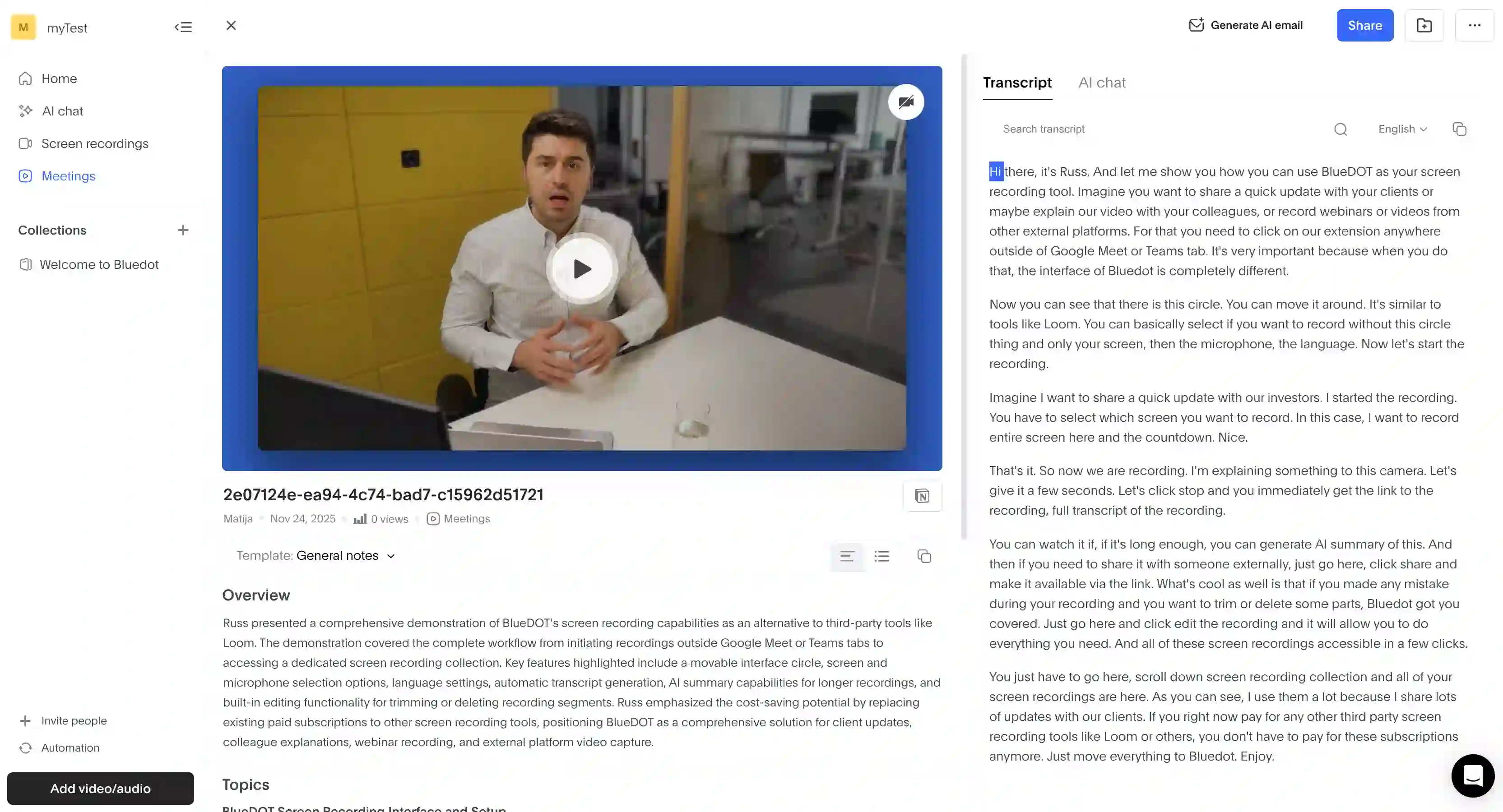
- AI chat across your whole library — every answer cites the meeting and timestamp
- In-person recording — via iOS, Android, and Apple Watch
- Custom note templates — Pro and up
What Bluedot does well
✅ Recording keeps working without anyone joining the call
✅ Admins can enforce recording notifications across the whole workspace
✅ Notes arrive structured as an overview, per-person action items, then topics
✅ EU hosting with a US region option, and no training on your meetings
"…the one that was the most accurate, worked for the various types of meetings, both virtual and in person." — Facilities management comms lead, Bluedot user
Drawbacks of using Bluedot
❌ SSO and SCIM start at Business
❌ Custom vocabulary is English-only
Bluedot pricing
- Free — $0: five recordings, lifetime, audio only. One hour each.
- Basic plan — $14 per user per month, annual: unlimited audio recording, still an hour per recording.
- Pro — $20: video, unlimited duration, custom templates.
- Business plan — $32: HubSpot and Salesforce with AI field mapping.
- Flat rate — contact sales: fixed price, unlimited seats.
Those are annual rates. Monthly billing runs $4 to $7 higher per tier.
💡 BLUEDOT PRO TIP
Only the people who record need a paid seat. Viewers are free, so even a 30-person team only pays for members who actually record meetings.
#2. tl;dv — for quick team collaboration

tl;dv sells itself as a team collaboration layer, with all the AI note-taking and collaboration features you'd expect.
Its bot-free path is thinner than the marketing suggests. The desktop app records system audio only — no video, no screen share, no chat — and the browser app still sends a bot to meetings.
Then there's the free tier, which isn't better than Fathom's. Recording is capped at 40 a week with no overlapping meetings, AI notes stop after 10 meetings, storage runs three months, and your video is archived after two days.
I recorded a 13-minute call on it. Two days later, the video sat behind a wall offering "Wait 70 minutes to unarchive" or upgrade. Clicking the download icon opened a Business subscription checkout.
"Now they're asking me to pay more, or they'll delete my recordings." — Dhruv A., G2
"...completely locked out of all my recordings for nearly two weeks..." — Customer, TrustPilot
Who tl;dv is for (and who it isn't)
Best for: EU-based sales teams and customer-facing teams who want to easily share videos from meetings.
Look elsewhere if: you need video recording, or an admin layer — tl;dv only provides SAML and SCIM on Enterprise accounts.
Key features
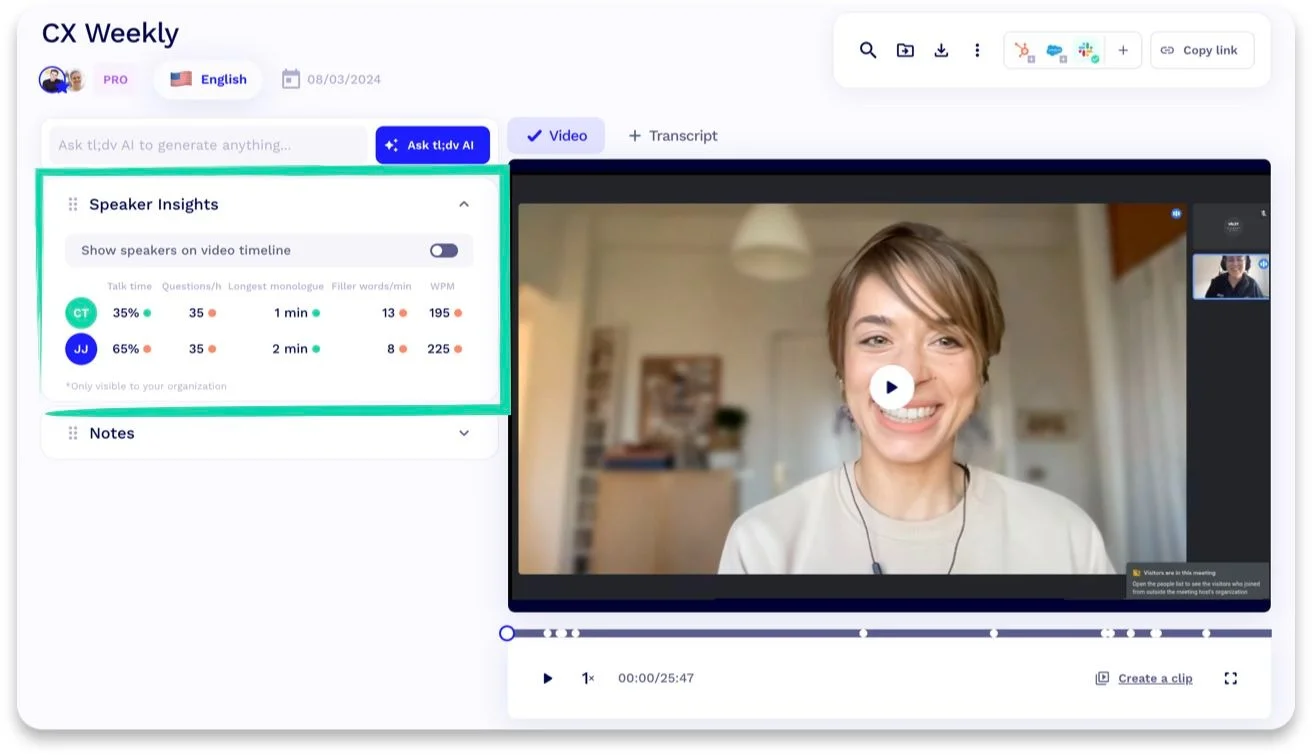
- Customizable meeting templates — see and rewrite the instructions behind your AI summaries
- Timestamp-linked notes — every bullet jumps into the meeting recordings
- EU data centers — Germany and Finland
What tl;dv does well
✅ The template system is the most honest summarization design here
✅ Meeting transcripts, notes, and video are easy to share and comment on instantly
✅ Collaboration features and consent requests can be scoped to internal or external attendees
Drawbacks of using tl;dv
❌ Consent requests are off by default and labeled a "GDPR add-on"
❌ Free recordings archive after two days, with a 70-minute wait to watch them
❌ Conversation insights across multiple meetings stay capped at 10 until the Business plan
❌ No SAML or SCIM outside Enterprise
tl;dv pricing
- Free — $0: 40 recordings a week, one at a time, three-month storage.
- Pro — $18 per seat a month, billed annually: unlimited AI notes, custom templates, downloads.
- Business plan — $29 per seat, billed annually: insights across past conversations, custom vocabulary, scheduled reports.
- Enterprise plan — custom pricing: SCIM, custom SSO, activity logs.
Monthly billing runs $29 and $39. tl;dv adjusts prices by region, so the figure you see may not match the one above.
#3. Jamie — for finance teams that don't want to use a bot
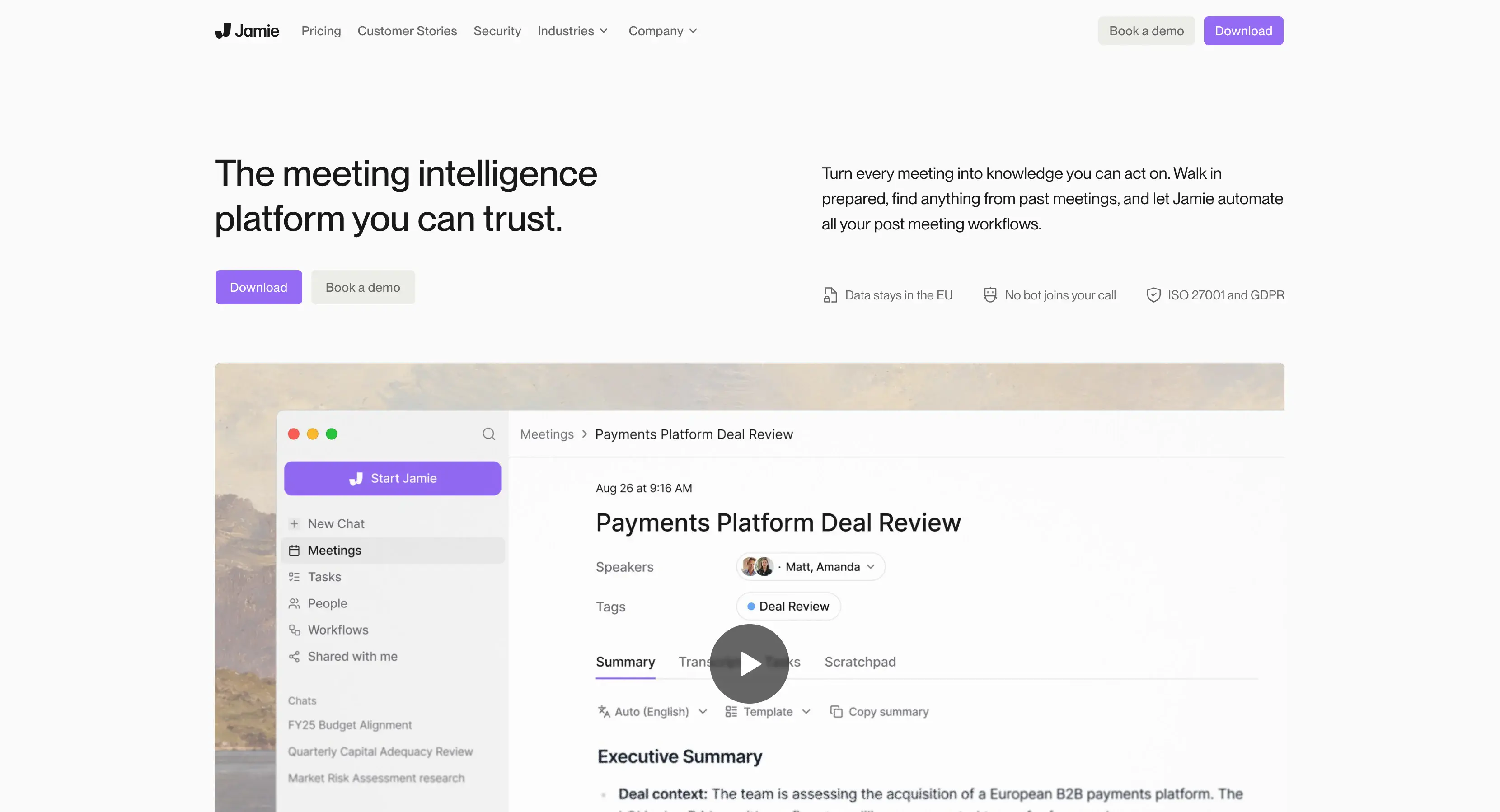
Jamie is a meeting assistant for private equity, banking, M&A, law, and consulting.
It's bot-free and never joins a call — it listens to your system audio, on Mac or Windows, or mobile devices.
However, you need credits for meeting notes on all plans below the €47-per-month Pro subscription. And exceeding either the credit count or the duration cap locks the affected notes — on paid plans too, not just Free.
"...don't rely on it for an important meeting..." — Oliver, TrustPilot
"...force you to purchase premium without being upfront..." — Andrei Gabriel B., G2
So, work you already paid to record can become temporarily unreadable because of your monthly limits.
There's no actual recording you can check, video or audio. Jamie records audio only, and deletes the audio file once it has the transcript. Nothing survives to replay when someone disputes what was said.
Who Jamie is for (and who it isn't)
Best for: consultants, deal teams, and regulated practices who want nothing joining their calls, on a desktop, and who work in text rather than video.
Look elsewhere if: you need a replayable recording.
Key features

- Bot-free transcription on any platform — it records system audio, so nothing joins
- Speaker Memory — tags voices once, recognizes them in subsequent meetings
- Editable meeting summaries with templates — applied retroactively
What Jamie does well
✅ No bot in the participant list
✅ Meeting notes, tasks and scratchpad are all editable after the fact
✅ Audio is processed on Frankfurt-based servers, then deleted
Drawbacks of using Jamie
❌ Going over your credits locks notes you already made, on paid plans too
❌ Speaker Memory stores voiceprints by default
❌ SOC 2 Type II is marked "pending" but advertised on every plan
❌ No video or screen recording
Jamie pricing (annual)
- Free — €0: 10 meeting credits a month, 30 minutes each.
- Plus — €21 a month, annual: 20 credits, two-hour meetings.
- Pro — €39: unlimited credits, five-hour meetings.
- Team — €33 per seat: 2 to 10 seats, shared workspace.
- Enterprise plan — custom pricing: SSO, SCIM, audit logs.
#4. Granola — for an invisible notepad on your machine
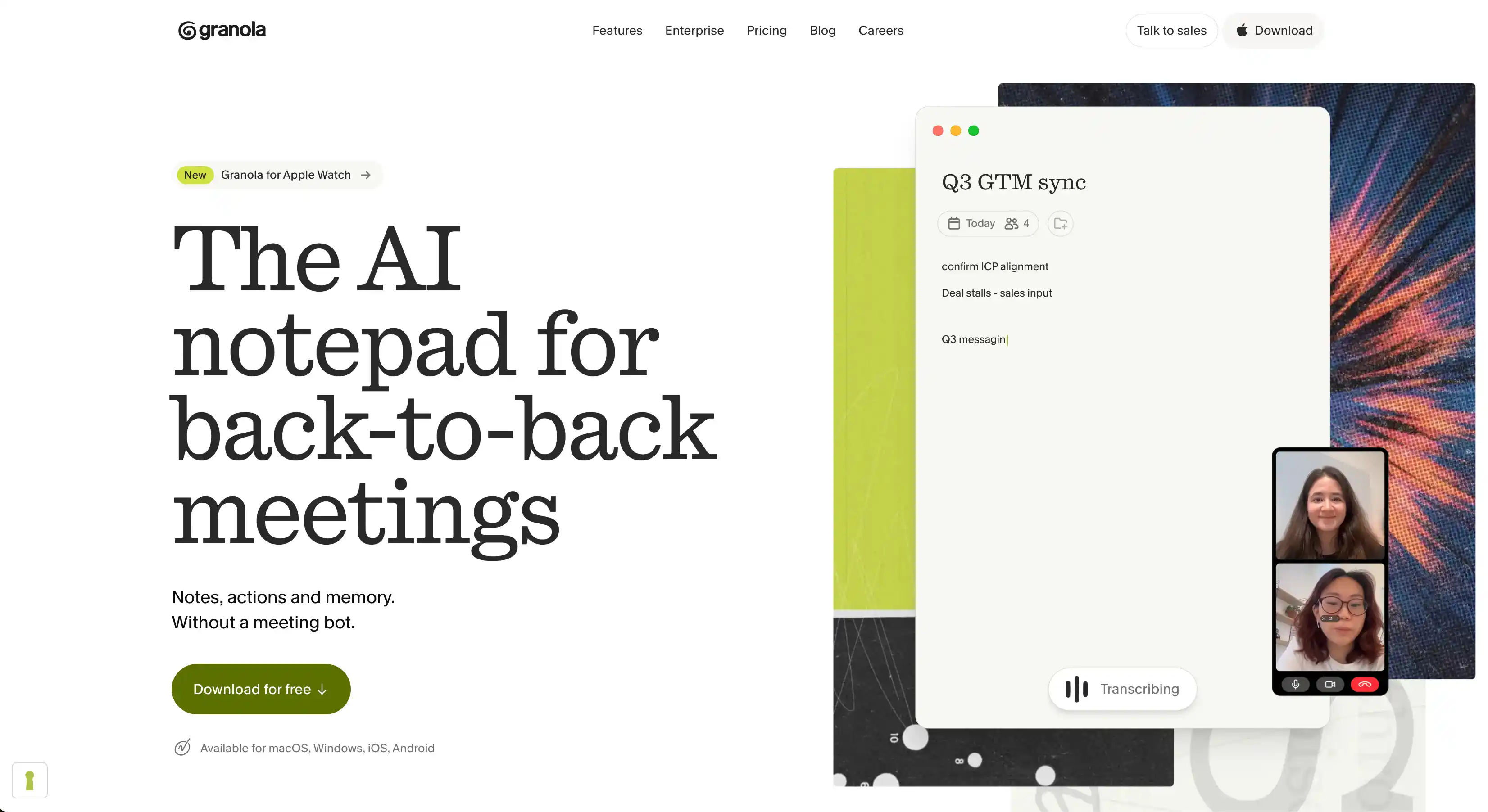
Granola AI is an AI-assisted notepad for meeting notes.
You type sparse notes while it records system audio with no bot. Press Stop, and Enhanced Notes merges your notes with the transcript for maximum accuracy.
To get speaker identification, you need the Google Meet extension or Zoom on a Mac. Sometimes, it stops working for no reason.
There's no video or audio recording, just notes — not the ideal Fathom alternative.
"...appeared to be recording an important conversation and simply wasn't..." — Onefootforward_7818, Reddit
Who Granola is for (and who it isn't)
Best for: solo operators and small teams who want structured notes and no bot.
Look elsewhere if: you need a replayable recording or EU hosting.
Key features
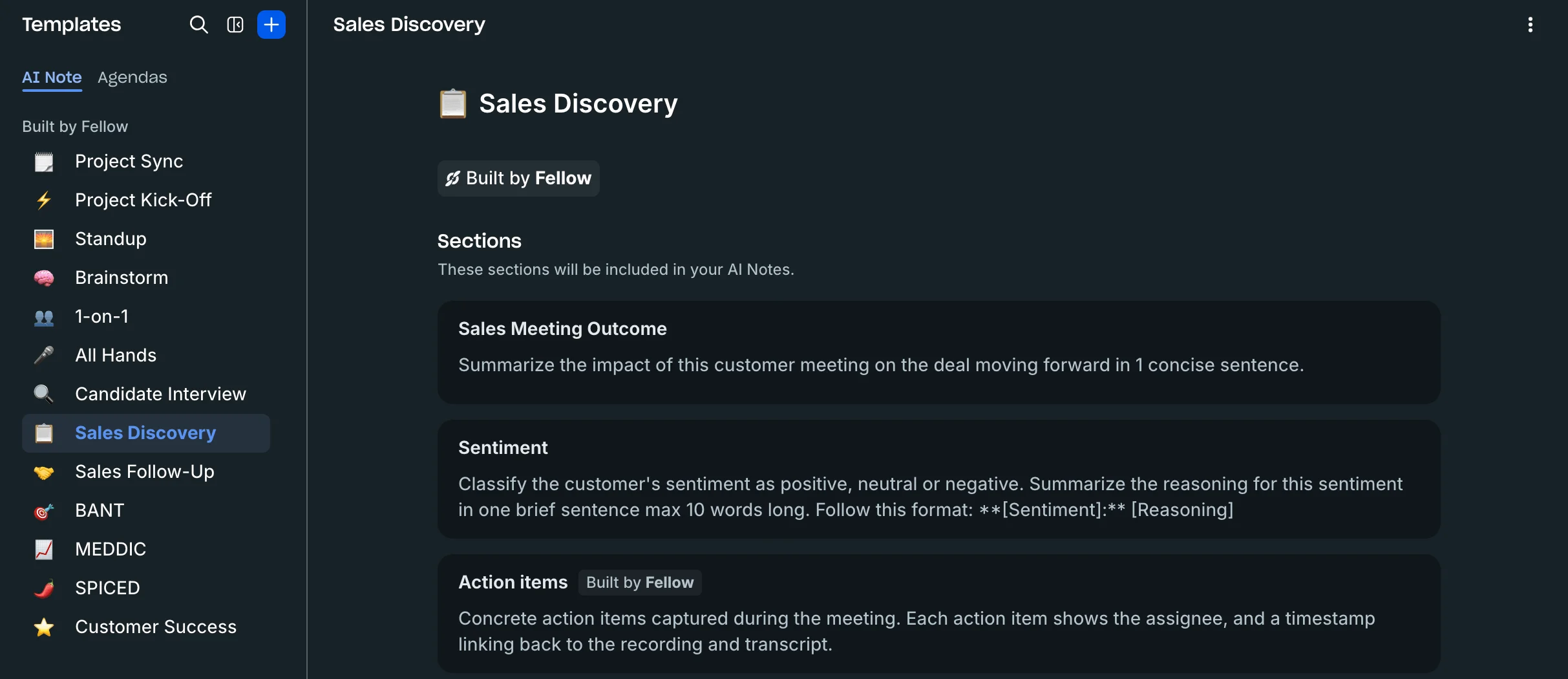
- 29 note templates — plus your own
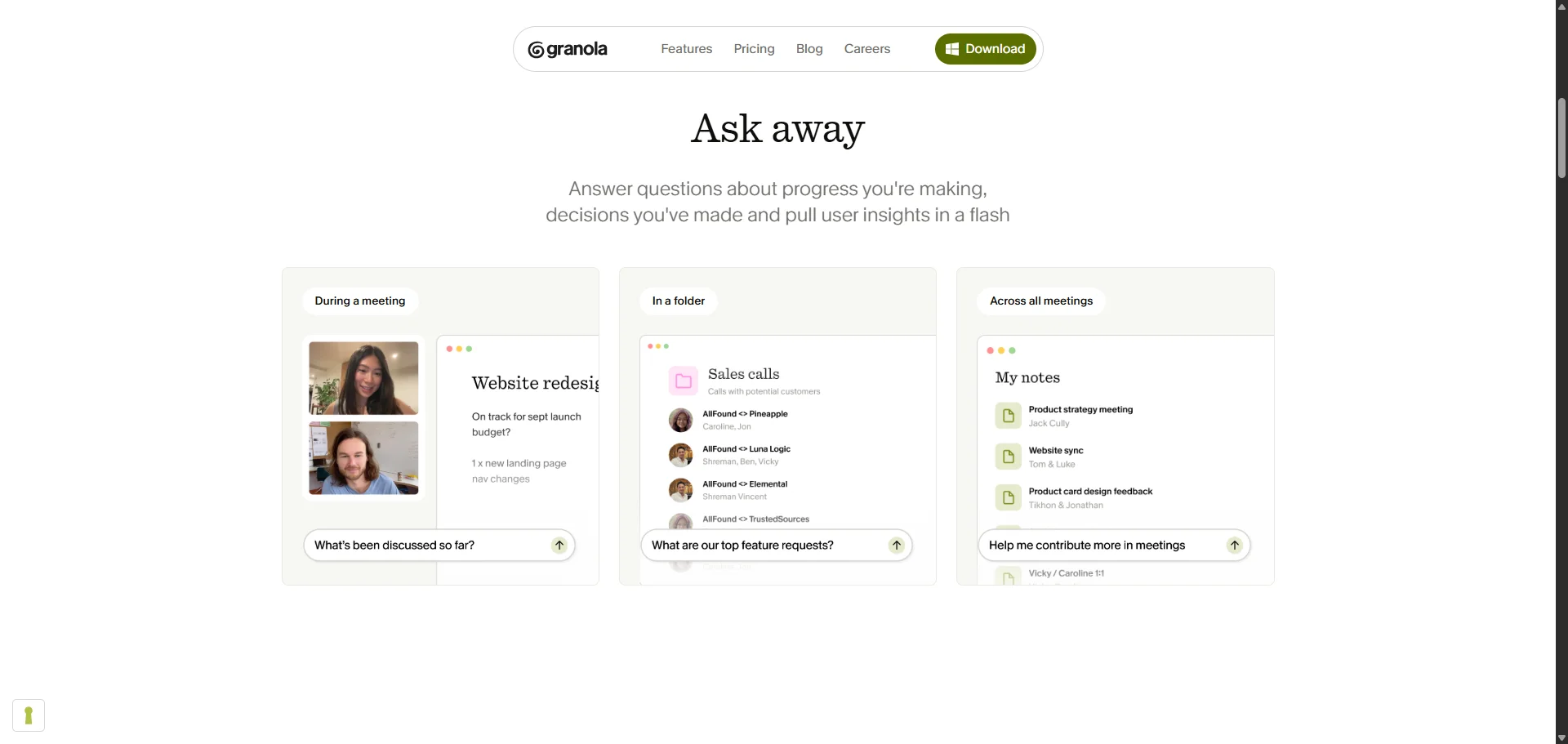
- Granola Chat — conversation insights across multiple meetings, 30 days back on Basic
- HubSpot and Attio sync, Notion export — on Business
What Granola does well
✅ Your typed notes shape the AI summaries, not just the transcript
✅ You set a transcript deletion window on every plan
Drawbacks of using Granola
❌ Trains on your meetings unless each person opts out. Org-wide opt-out is Enterprise only
❌ US-only hosting, no EU region
❌ No audio or video survives, so nothing can be replayed
Granola pricing
- Basic — $0: unlimited meeting notes, but anything older than 30 days disappears from the app.
- Business — $14 a seat: unlimited history, CRM sync, API.
- Enterprise — from $35: SSO, SCIM, org-wide retention, training off by default.
Granola bills monthly only, so there's no annual rate to compare.
#5. Fellow — for teams that want one dedicated meeting platform
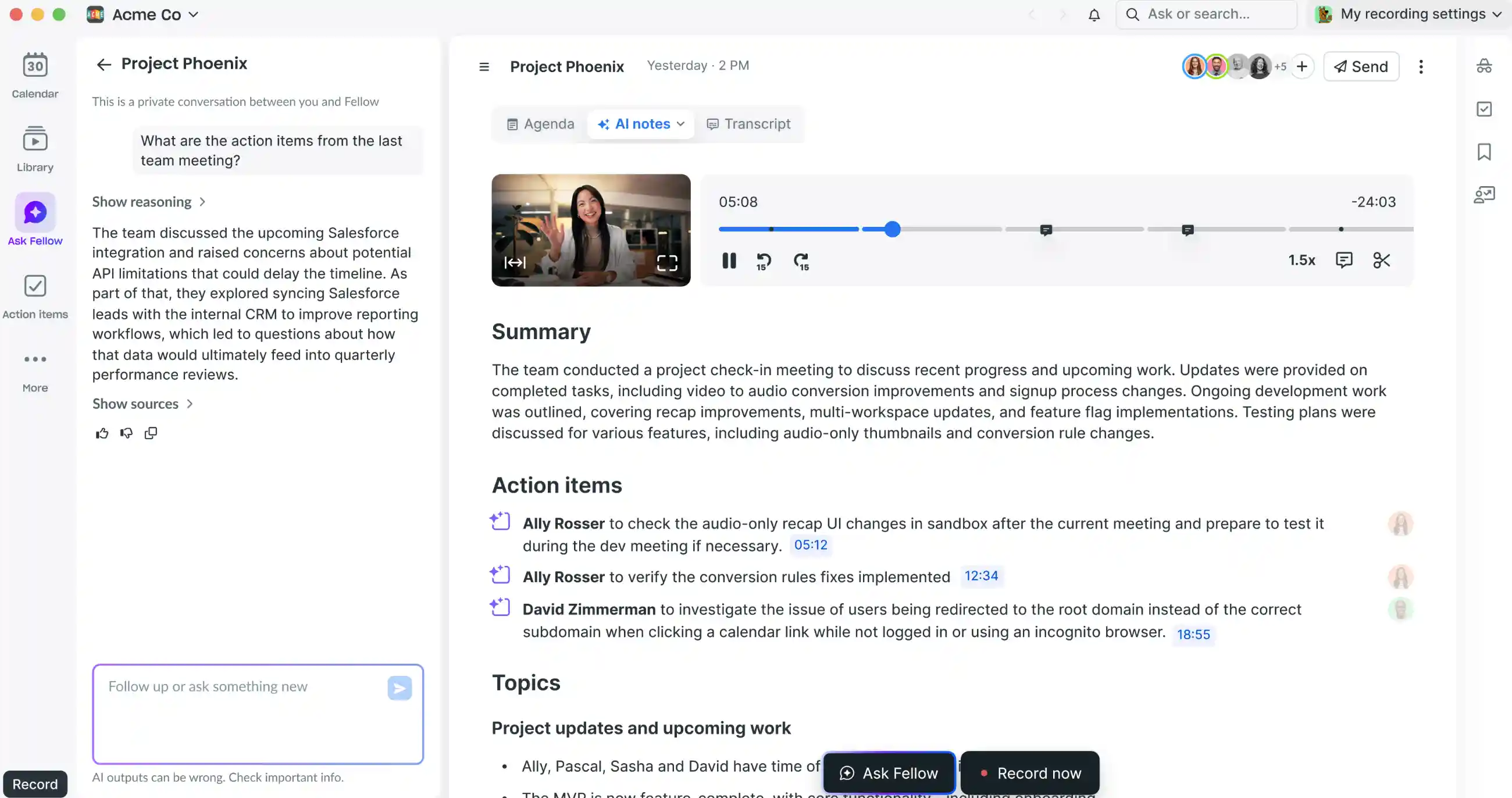
Fellow AI is the cheapest way here to get a whole team recording, with shared agendas and action items for everyone.
The note taker runs on credits, one per recorded meeting and pooled across the workspace, so Team subscription's 10 per user is a shared pot.
"...its mostly-closed ecosystem is really frustrating and creates a lot of manual work to export the data..." — a Fellow customer of over a year, Reddit
Fellow wants to be your whole meeting intelligence suite, which is annoying if you want a simple AI note taker that just works.
Who Fellow is for (and who it isn't)
Best for: teams that run on written agendas and want everyone on one paid plan.
Look elsewhere if: you need admin visibility into what your team records.
Key features
- Collaborative agendas — attached to the meeting the recap belongs to
- Botless desktop recording — Mac, with Windows documented inconsistently
- Project management tools — Jira, Asana, Linear, and Notion from Team
What Fellow does well
✅ The recap lands inside the agenda it belongs to, not in a separate recordings library
✅ Hosted in Canada, and never used to train models
Drawbacks of using Fellow
❌ Free is five notes and five recordings per user, for the life of the account
❌ Admins can't see their team's notes below Enterprise
❌ Auto-record policies, consent collection, redaction, and retention are on the Enterprise plan only
Fellow pricing
- Team — $7 a seat, annual: up to 20 users, ten pooled credits each.
- Business plan — $15: unlimited recordings, Salesforce and HubSpot, keyword tracking.
- Enterprise — $25, annual, from 10 seats: SSO, SCIM, consent collection, redaction.
Recording Zoom without a bot is only an option with a paid Zoom plan and you as host.
#6. Fireflies — for CRM autofill and integrations
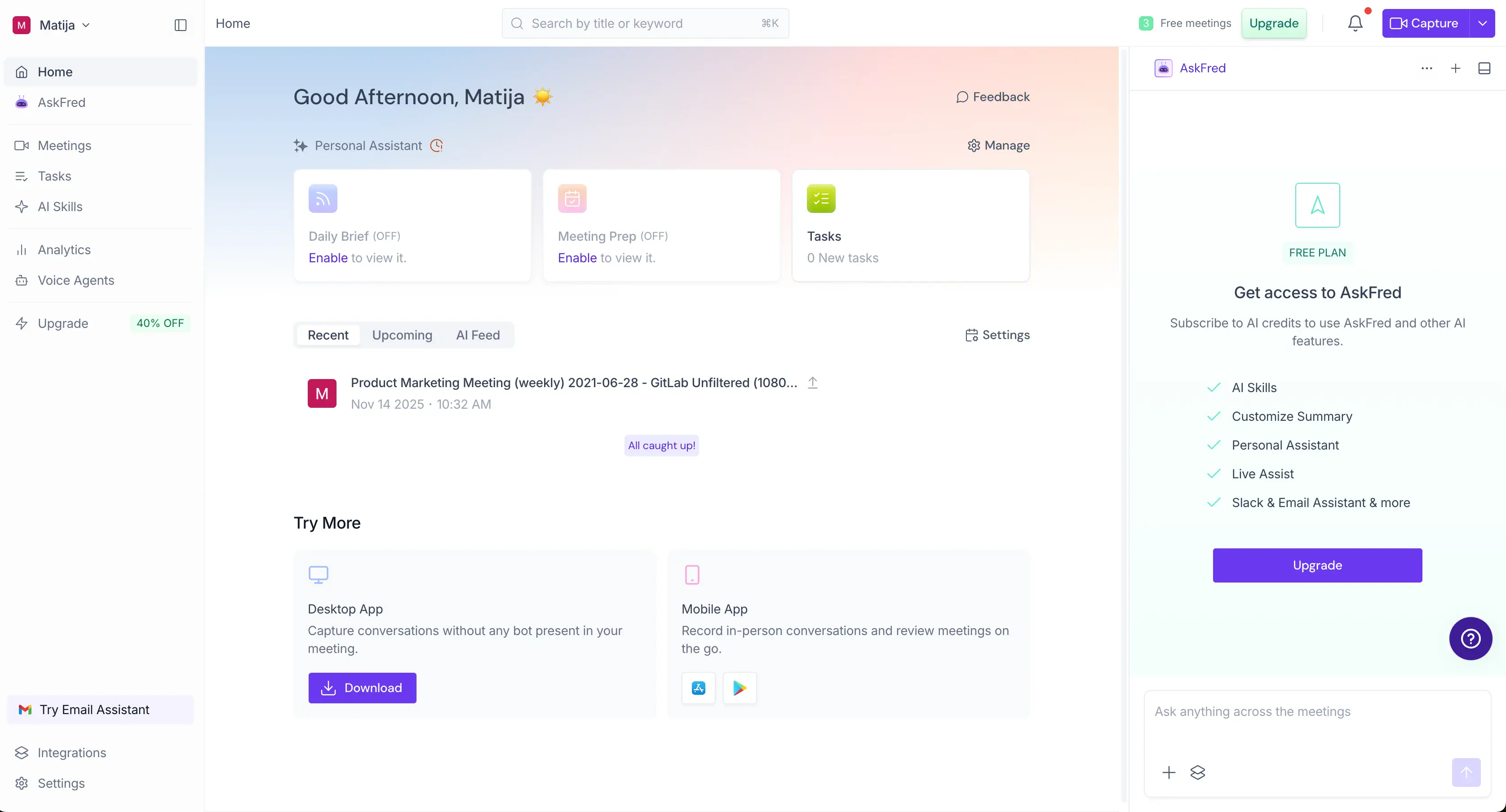
Fireflies AI is a useful AI notetaker if you need diverse CRM integrations and AI features — or a wider productivity suite.
Field autofill covers HubSpot and Salesforce, and 70-odd other integrations log the meeting under the record. Integration Rules decide what actually syncs and start at Business, so below that CRM sync is all-or-nothing.
The default auto-record for every calendar event is annoying. And so is the recap email that, by default, goes out to everyone on the invite.
"...it keeps joining my meetings even after competely deleting my account..." — Sem Janssen, TrustPilot
Who Fireflies is for (and who it isn't)
Best for: sales teams and customer success teams whose CRM is the system of record.
Look elsewhere if: you need EU processing, or quiet defaults.
Key features
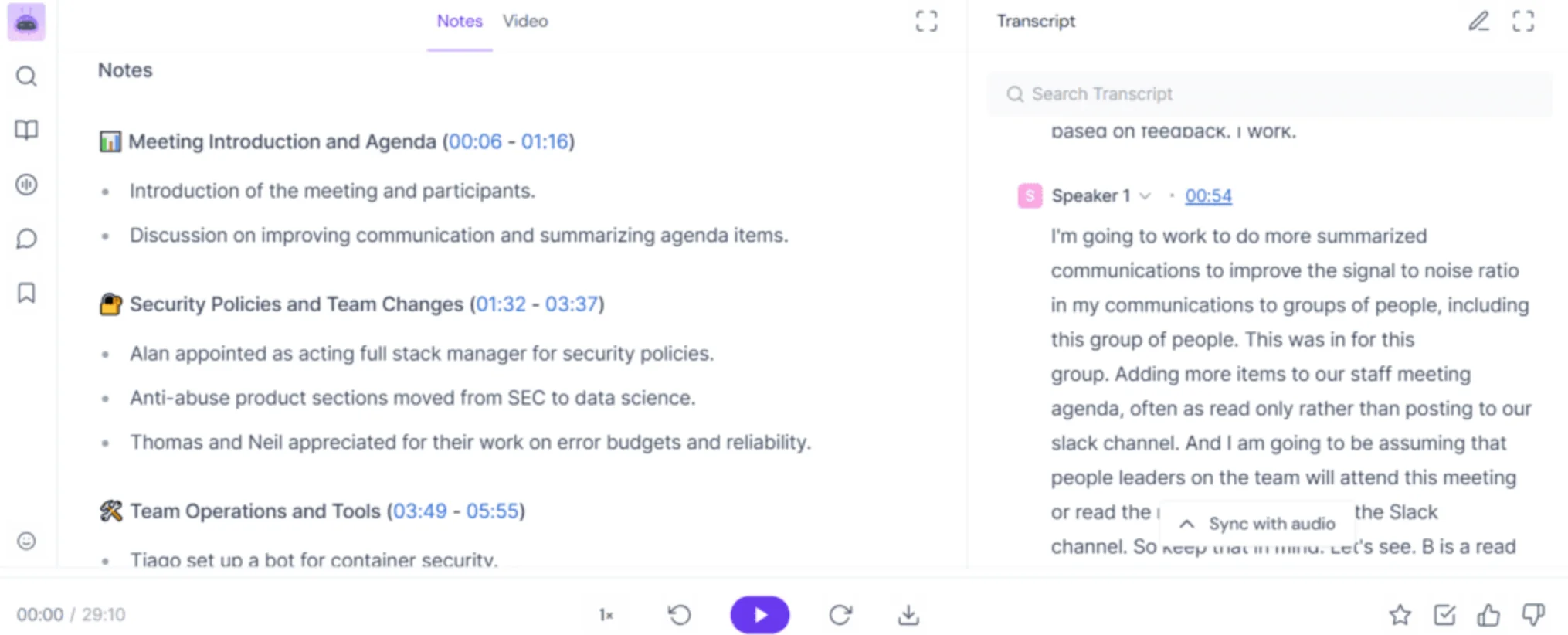
- CRM field autofill — HubSpot and Salesforce, inside 70-plus integrations
- Email Assistant — drafts replies in your inbox from Pro, on Gmail and Outlook
- Bot-free recording — extension and desktop for virtual meetings, though neither keeps video
What Fireflies does well
✅ The broadest integration list in this lineup
✅ No training on your data, with 0-day retention at its vendors
Drawbacks of using Fireflies
❌ Run out of AI credits mid-cycle, and Fireflies AI subscribes you to 50 more at $5
❌ Free's "unlimited transcription" only applies with auto-join and share-all on
❌ Free users can't download their own meeting transcripts or recordings
Fireflies pricing
- Free — $0: 400 storage minutes, 20 AI credits, no downloads.
- Pro — $10 a seat, annual: 720p video recording, downloads, every integration.
- Business plan — $19: unlimited storage, Integration Rules and conversation intelligence.
- Enterprise — $39, annual: SSO, SCIM, HIPAA, audit logs, custom retention.
AI credits are a second meter on top of the seat price, $5 to $600 a month.
#7. Otter — for meetings where the slides matter
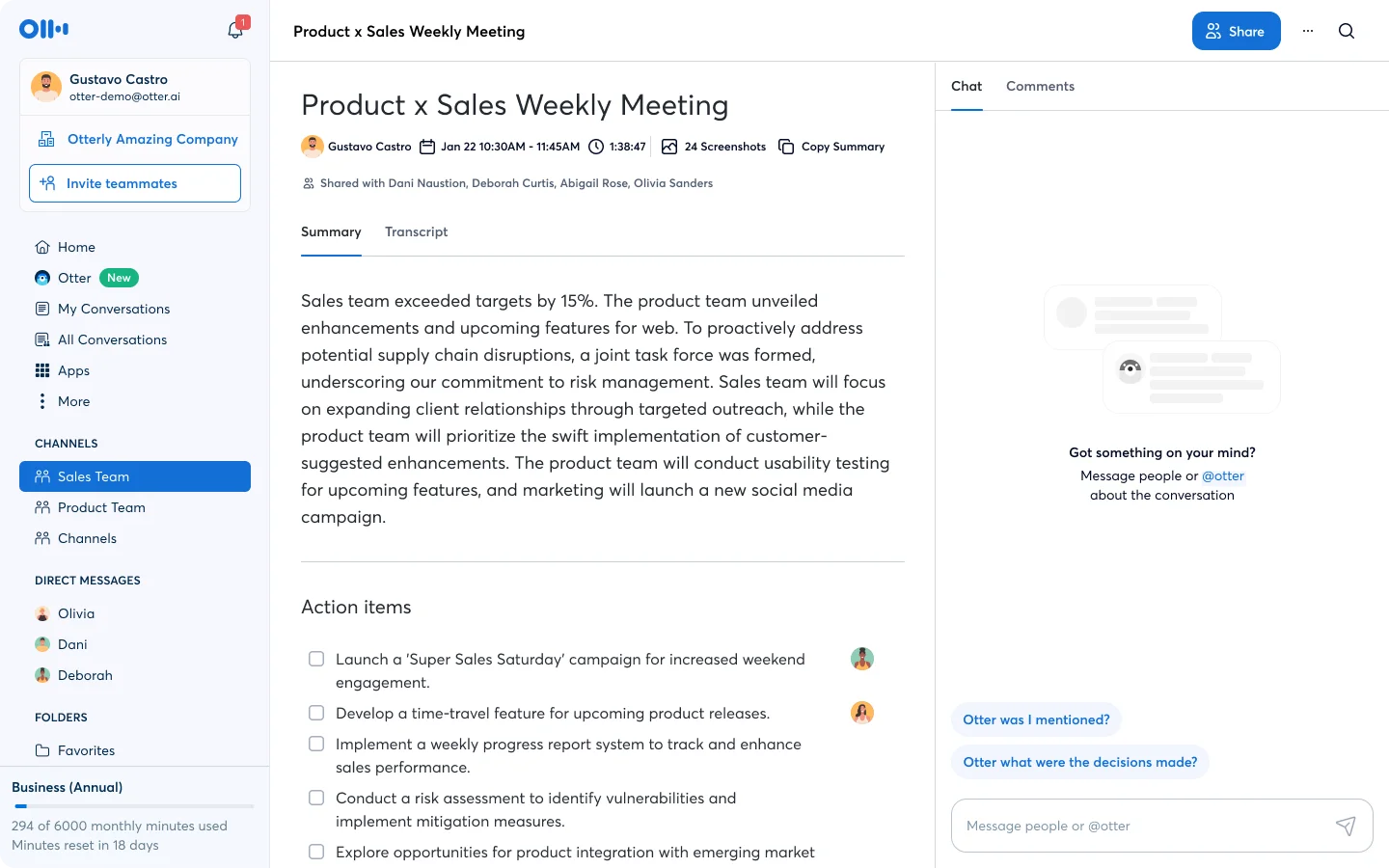
Otter AI is the only Fathom alternative that files the slides with the transcript, but the free plan it's famous for is smaller than Fathom's.
Its bot saves each unique screen-share from Zoom, Google Meet, and Microsoft Teams into the transcript. That path needs the bot, which arrives named after whoever invited it and can't join anonymously.
The desktop app records system audio without one on every plan, but the slides don't come with it.
"Want to spend endless hours tagging speakers? sign up for Otter!" — Verified reviewer in computer software, G2
Basic is a 300-minute monthly pool with a 30-minute cap per conversation, against a homepage that says unlimited meetings. For someone leaving Fathom's free plan, it's a downgrade.
Who Otter is for (and who it isn't)
Best for: teams whose meetings run on decks.
Look elsewhere if: you meet in a language Otter doesn't cover, want bot-free recording above all, or need SSO under 100 users.
Key features
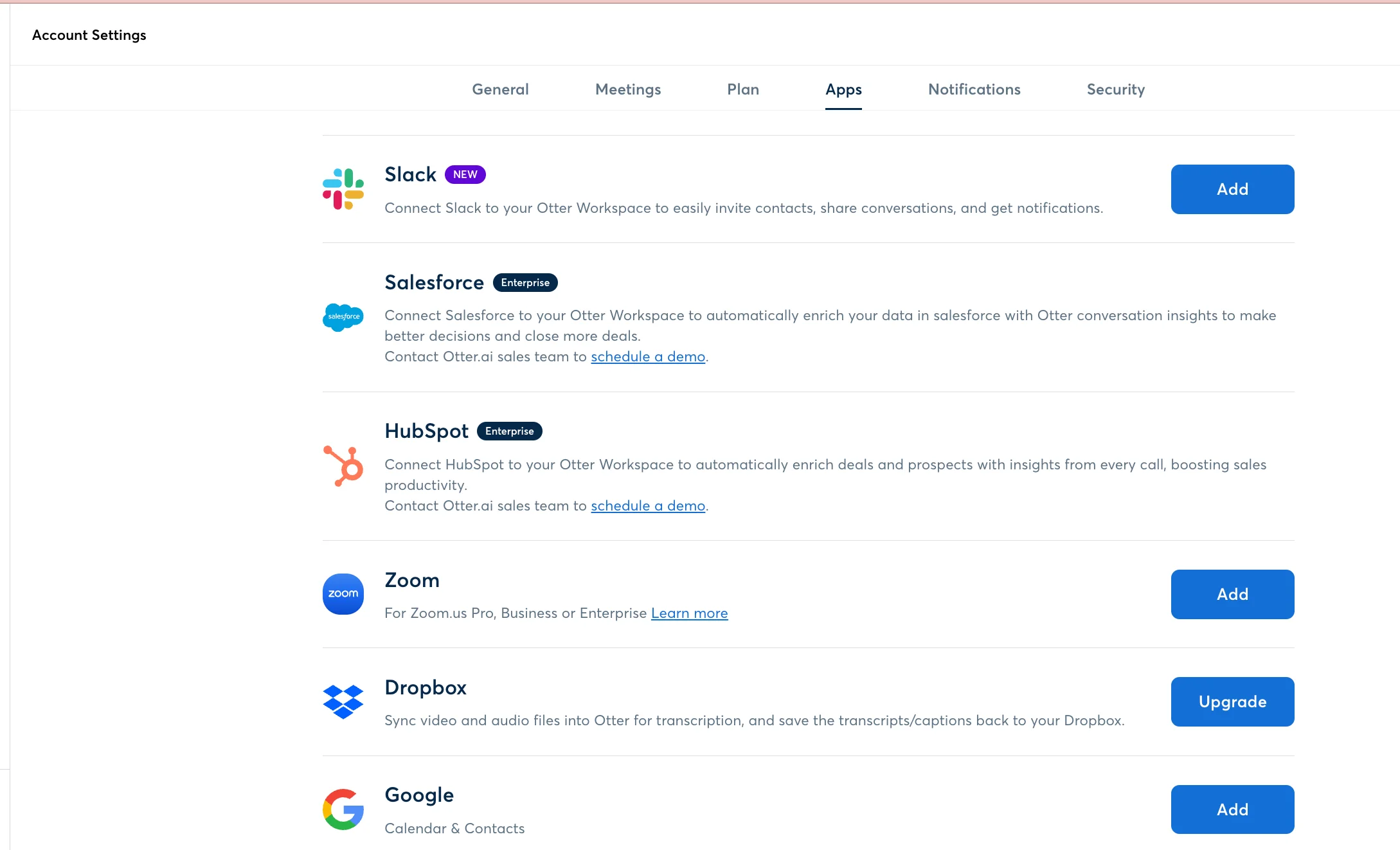
- Automatic slide saving — from Zoom, Google Meet and Microsoft Teams screen shares
- Bot-free desktop app — system audio and mic, on every plan
- Imports up to 5 GB per file — for recordings you already have
What Otter does well
✅ A bot that can't join anonymously, so nobody learns about it afterward
✅ Two-factor authentication on every plan, free included
Drawbacks of using Otter
❌ Trains on de-identified data by default, org-wide opt-out on Enterprise only
❌ Only six transcription languages
❌ SSO and SCIM require a 100-user license minimum
Otter pricing
- Basic — $0: 300 minutes a month, 25 conversations visible.
- Pro — $8.33 a seat, annual: 1,200 minutes, 90-minute cap, 5 seats.
- Business plan — $19.99: unlimited meeting minutes, bulk export, up to 25 seats.
- Enterprise plan — custom pricing: SSO, SCIM, retention, HIPAA add-on.
#8. Avoma — for sales teams that write back to the CRM
Avoma has the deepest CRM write-back here, if you don't care about the price.
Field mapping writes pain points, next steps, and competitors onto deals and contacts in your CRM automatically, not just a note under the record. But sending data back the other way needs the Revenue Intelligence add-on.
Unfortunately, analytics will cost you — the Conversation Intelligence and Revenue Intelligence add-ons are $29 a seat each, so a coached rep costs $48 against the advertised $19 price.
Pass, if you're not a fan of complex seat math.
Who Avoma is for (and who it isn't)
Best for: sales teams that want custom fields filled in their CRM, but don't care about the price.
Look elsewhere if: you want simple pricing or EU hosting.
Key features
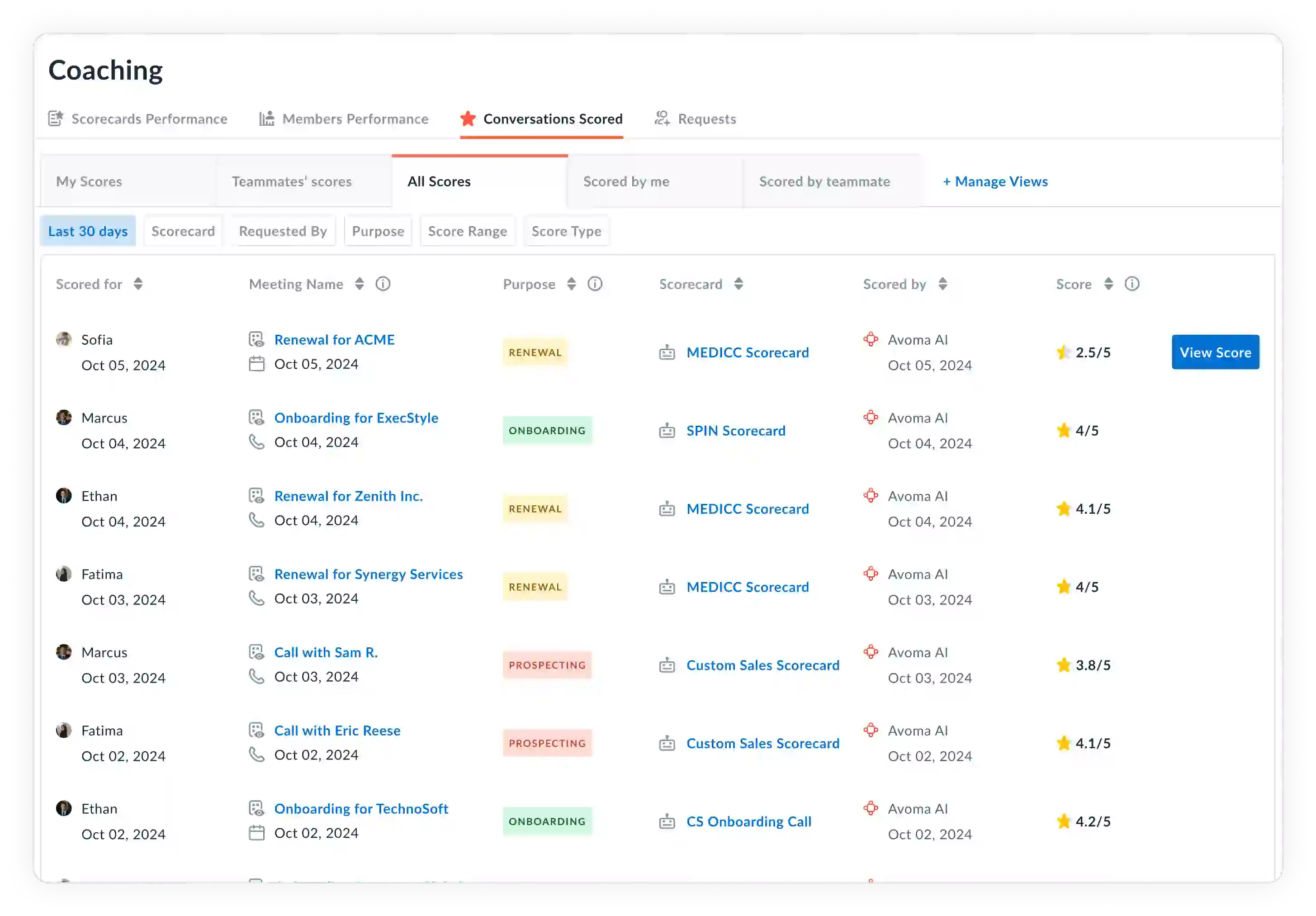
- Bi-directional CRM field sync — pain points and next steps onto deals, two-way updates under the Revenue Intelligence add-on
- Real-time transcription with speaker identification — every plan
- Org-wide recording settings — they override and lock individual ones
What Avoma does well
✅ Only recorders pay, and viewers are unlimited and free
✅ SOC 2 Type II and ISO/IEC 42001, an unusual certification to hold
Drawbacks of using Avoma
❌ The Organization plan is priced three different ways across Avoma's own pages
❌ US-only hosting, with no EU region documented
❌ Every recording user sits on the same base plan
Avoma pricing
- Startup plan — $19 a seat, annual: up to 25 seats, recording, meeting summaries, CRM sync.
- Organization — $24 to $39: up to 100 seats, API, custom AI topics, limited conversation intelligence.
- Enterprise — $39, annual: SSO, HIPAA, retention, audit logs, and a seat floor of 10 or 20 depending on the page.
A coached seat is $48, not the $19 on the card.
#9. Read AI — for detailed meeting reports
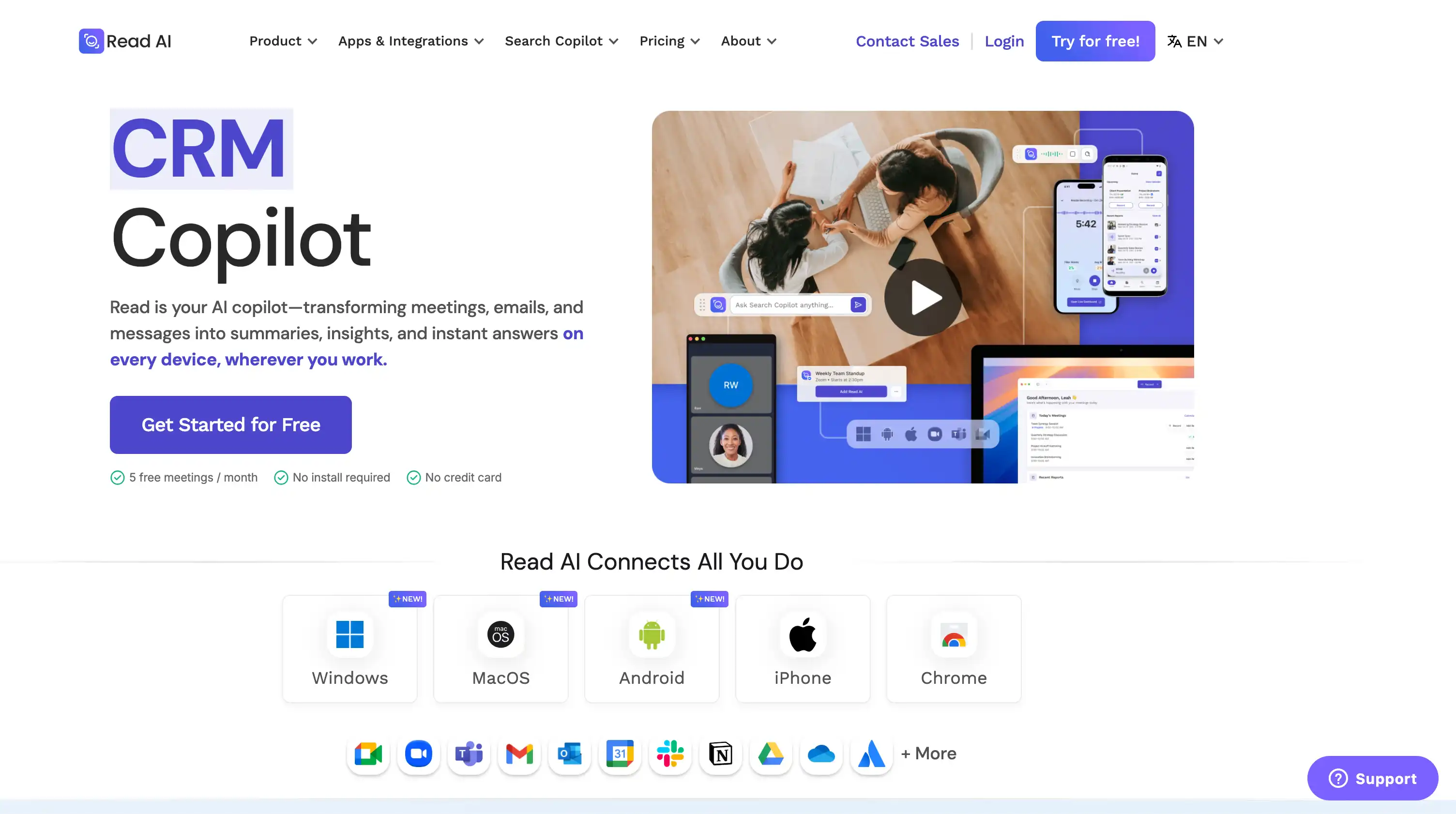
Read AI is an AI meeting assistant that scores how engaged people looked, not just how long they talked. It evaluates speakers on audio, facial expressions, and head movement.
The video tracking isn't popular among team members, and its sharing defaults are why IT teams often ban it.
By default, reports auto-share with everyone on the meeting invite, attended or not, and recipients are prompted to create an account.
To change workspace sharing defaults, you need a paid plan. For domain-wide controls, you need Enterprise+.
"Read is perma-banned. No exception." — r/sysadmin, Reddit
The company's growth loop runs through your meeting invites, which is why many IT leads have probably already said no to Read AI.
Who Read AI is for (and who it isn't)
Best for: individuals who want a rich report and don't mind paying to change the sharing defaults.
Look elsewhere if: you're standardizing a team on one recorder, and care about privacy.
Key features
- Meeting reports — AI-generated summaries, meeting insights, and per-speaker metrics
- Engagement scoring — sentiment analysis from facial cues, switched off for EU and UK users
- Botless Google Meet recording — through Google's API, with a consent dialog
What Read AI does well
✅ Model training is opt-in and off by default, the most candid position in this lineup
✅ API and MCP access on every plan, free included, both in open beta
Drawbacks of using Read AI
❌ Reports auto-share to everyone on the invite until you change the default
❌ Free's five monthly reports include reports other people shared with you
❌ The $22.50 "Enterprise" plan is individual, and SAML and SCIM sit on Enterprise+
❌ US hosting by default, with EU and Canada regions on request and unpriced
Read AI pricing
- Free — $0: 5 reports a month, one-hour meetings.
- Pro — $15 a seat, annual: unlimited reports, integrations, workspaces.
- Enterprise — $22.50: playback, still a plan one person can buy.
- Enterprise+ — $29.75, 5 licenses: SAML, SCIM, domain controls, HIPAA.
Which Fathom alternative fits your team?
The alternative to Fathom that fits your team depends on your specific needs, like:
- Standardizing a team on one recorder — go with Bluedot. Bot-free on all platforms on every plan, EU or US hosting, and various options for access management and shared collections. Video starts at Pro, and SSO and SCIM are on Business.
- Client meetings without a bot — any of the bot-free options, but make sure to get consent.
- Solo use for free — stay on Fathom. Its free plan is the only generous free tier here with unlimited recordings, storage, and transcripts.
Frequently asked questions
Which is better, Fathom AI or Otter AI?
Fathom and Otter AI answer different questions. Fathom's free plan gives unlimited recordings, storage, and transcripts, whereas Otter Basic stops at 300 minutes a month. Otter's bot files slides from a screen share into the transcript, which Fathom doesn't do, but Otter transcribes six languages to Fathom's 38.
"We recently switched to Fathom, and the difference was immediate." — Brad P., CMO, Capterra
Which is better, Fathom or Fireflies?
Fireflies AI writes into more CRMs. It autofills HubSpot and Salesforce fields and publishes over 70 integrations, against Fathom's smaller list. Fathom is cheaper to start and simpler to run: unlimited recordings on Free, where Fireflies meters AI credits on top of the seat price and holds Integration Rules back for Business at $19 a seat on annual billing.
Is Fathom AI free to use?
Yes, and Fathom's generous free plan has the fewest free plan limitations here: unlimited recordings, storage and transcripts, five advanced summaries a month, and since September 1, a two-week lookback for questions across past calls. Granola's free notes vanish from the app after 30 days, Otter Basic caps at 300 minutes, and Bluedot starts paid at $14.
Which is better, Fathom or Granola?
They record differently. Granola never sends a bot: you type sparse notes while it records system audio, then it merges the two. It keeps no audio or video, and it trains on anonymized data unless each person opts out, org-wide only on Enterprise. Fathom stores unlimited recordings free, though its bot-free mode is Mac and English only.
What does the Superhuman acquisition mean for Fathom users?
Superhuman bought Fathom on September 14, 2026. Fathom's letter says: "Nothing changes today for Fathom users. Same app, same login, same product experience." The next day, self-serve prices, terms, and the privacy policy were unchanged, though an Enterprise price appeared in the same window. Nothing has been said about the free plan or the roadmap.
Which Fathom alternatives don't put a bot in the meeting?
Nine Fathom AI alternatives record without a bot: Bluedot, Granola, Jamie, Fellow, Otter, Fireflies, Avoma, tl;dv, and Read AI. Most give something up. Granola and Jamie keep no video at all. The desktop paths on tl;dv, Otter, and Read AI are audio-only, as is Fireflies' extension. Fellow's no-bot Zoom route needs you to host on a paid Zoom plan.
Is Fathom only for Zoom?
No. Fathom's bot joins Zoom, Google Meet, and Microsoft Teams and records audio and video on all three. Bot-free recording is narrower: Mac only, English-language meetings only, and Teams stays bot-only. Bot-free video is narrower still — Zoom, on a Mac, and only when you join from the Zoom desktop app.
Switch to Bluedot and record without a bot
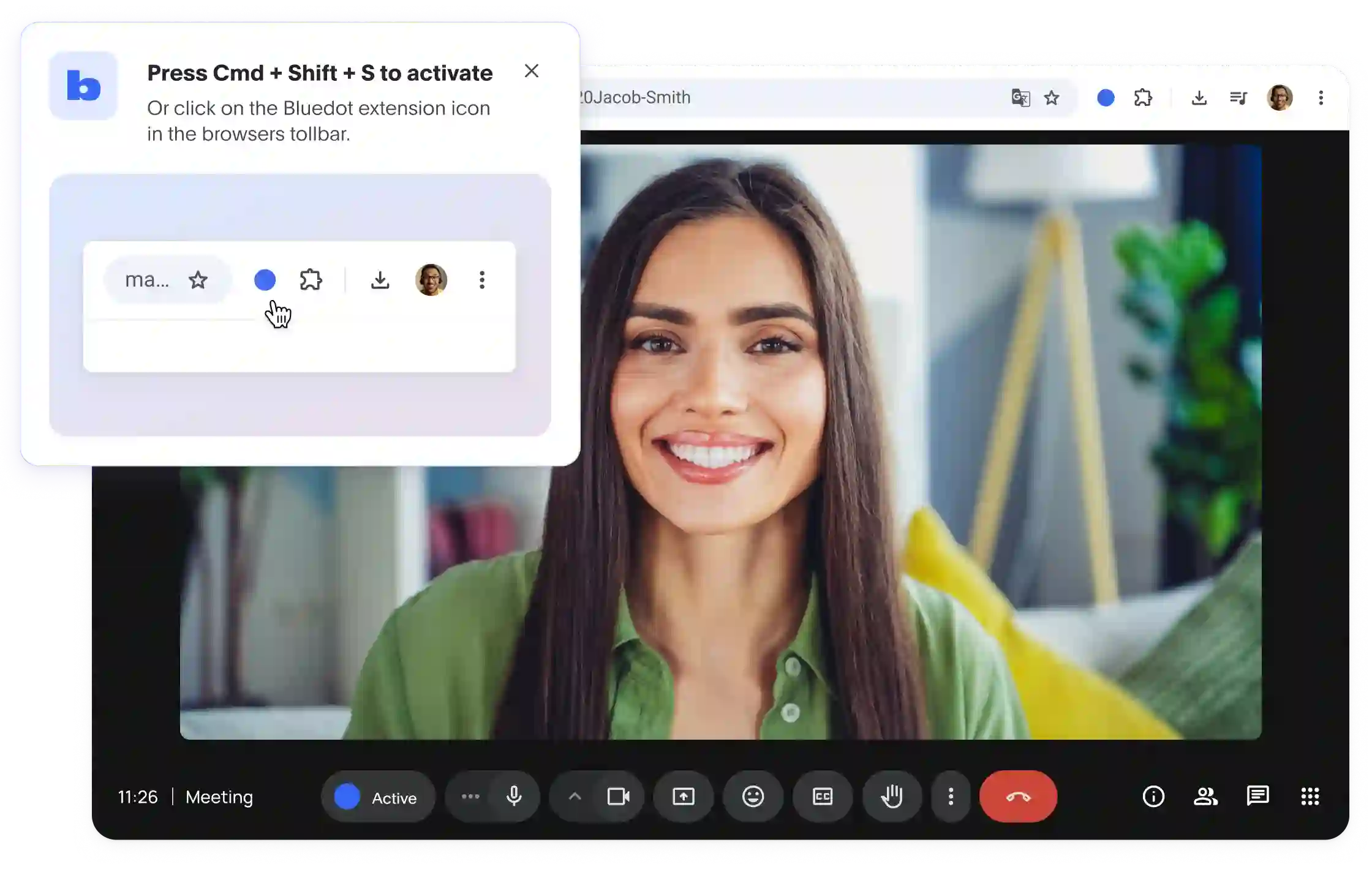
If your team is looking at Fathom alternatives because of the bot or the new owner, Bluedot is the AI note taker for you.
Bluedot records bot-free on Mac and Windows across Zoom, Google Meet, and Microsoft Teams on every plan, keeps your data in Europe or the US, and gives every plan roles and access-controlled collections so recordings land somewhere the team can actually find them.
Video recording and custom templates start at Pro, SSO and SCIM arrive on Business, and only the people who record need a paid seat.
Bluedot is built for teams who want recording, transcription, and meeting notes across all platforms and care about security and privacy.