


Secure AI note taker app for Android



How Bluedot works
Record and transcribe a meeting on Android in 3 steps.

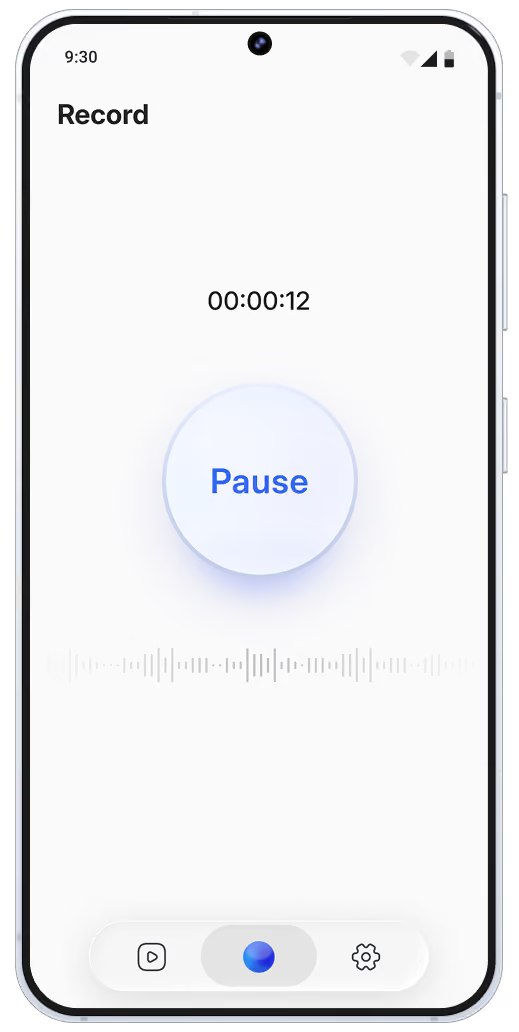
Tap record
Hit the big blue "Record" button
to start.

Have your conversation
Focus on the meeting while
Bluedot records.

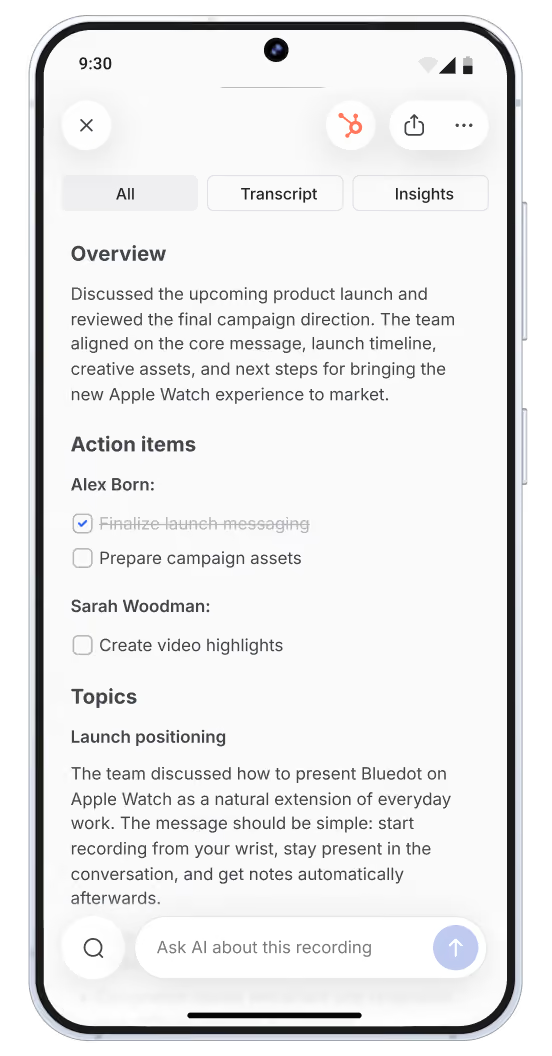
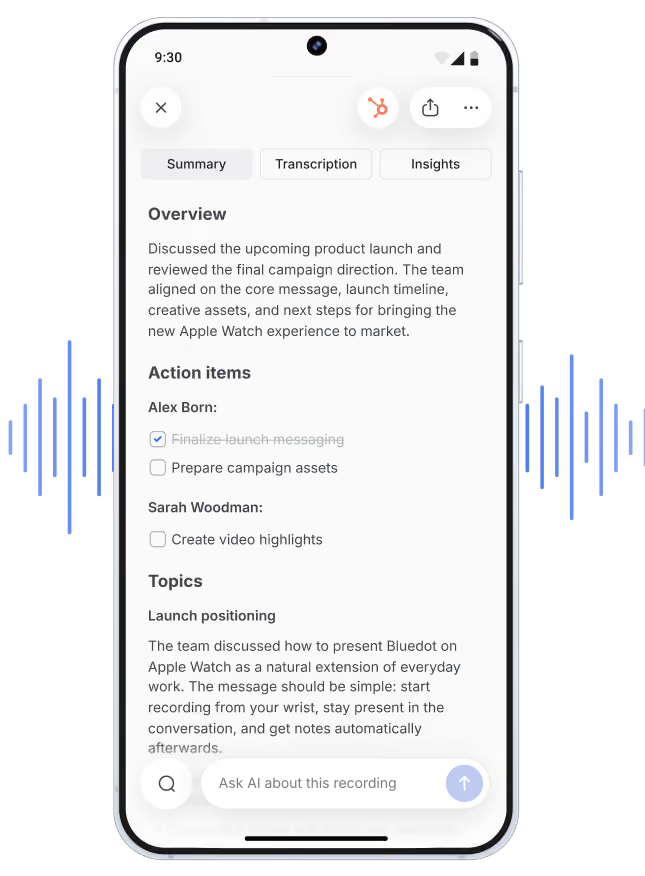
Get AI notes + transcript
Available right after the call. On all your devices.
You speak
Stay focused on your conversation. Anytime. Anywhere.
Bluedot takes notes
Never miss anything important.

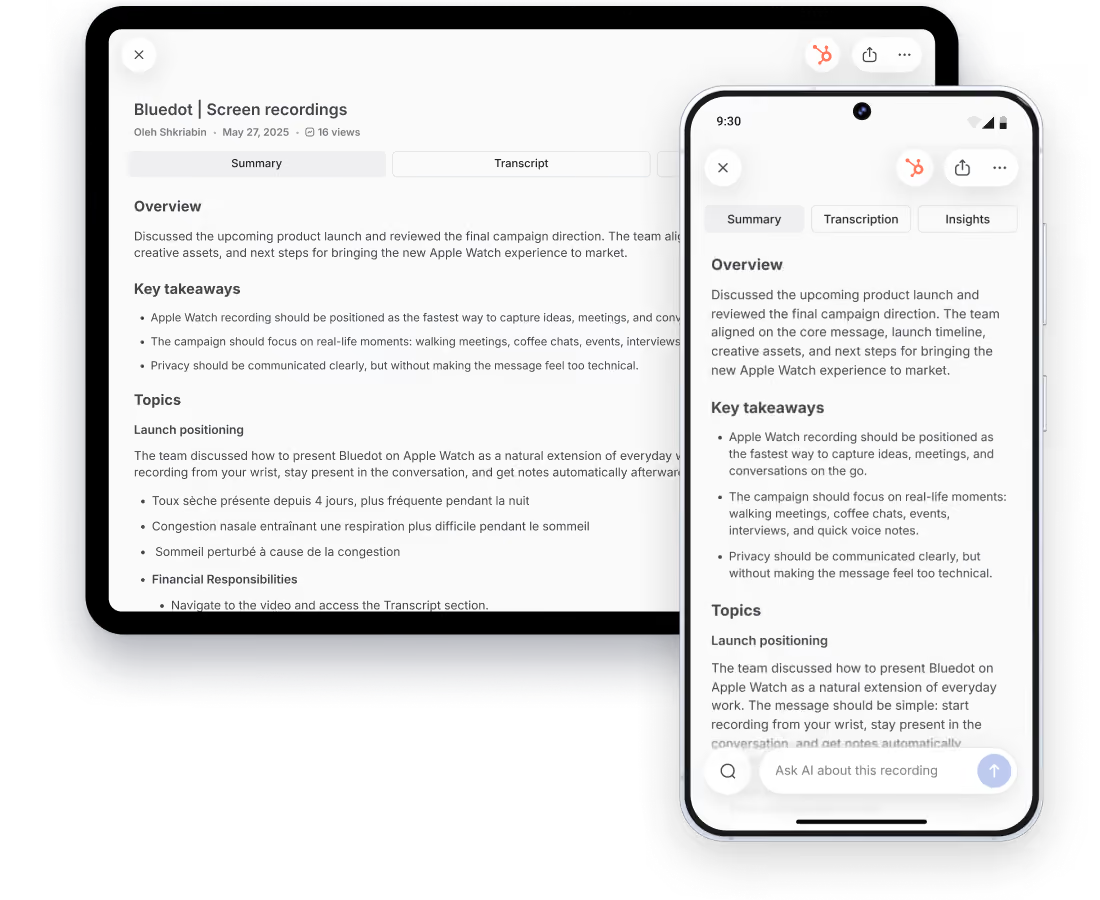
Know what you agreed to and what to do next




AI note taker for Android that works anywhere
Your notes, transcripts, and recordings sync across your phone, desktop, and browser.

Phone and tablet
Works with Android 8.0 and up

Works offline
Bluedot records offline and with no signal

Ready to use
No extra hardware to buy
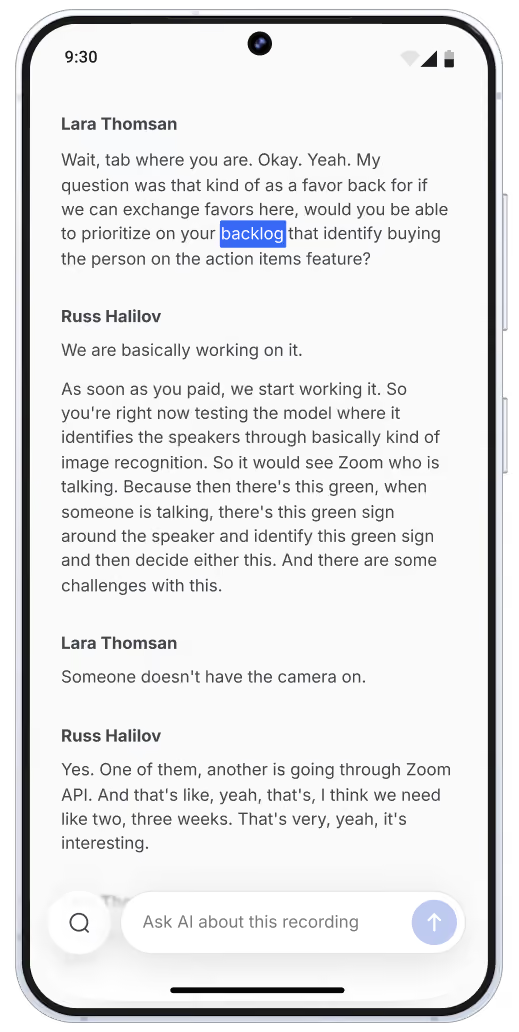
Reliable speaker differentiation
Every voice, cleanly separated in the transcript.
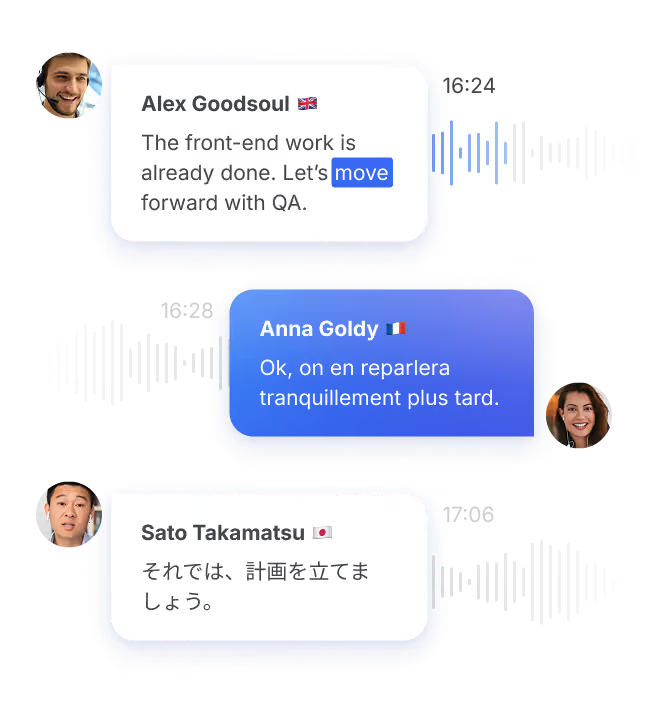
100+ languages
Accurate transcripts in any language.
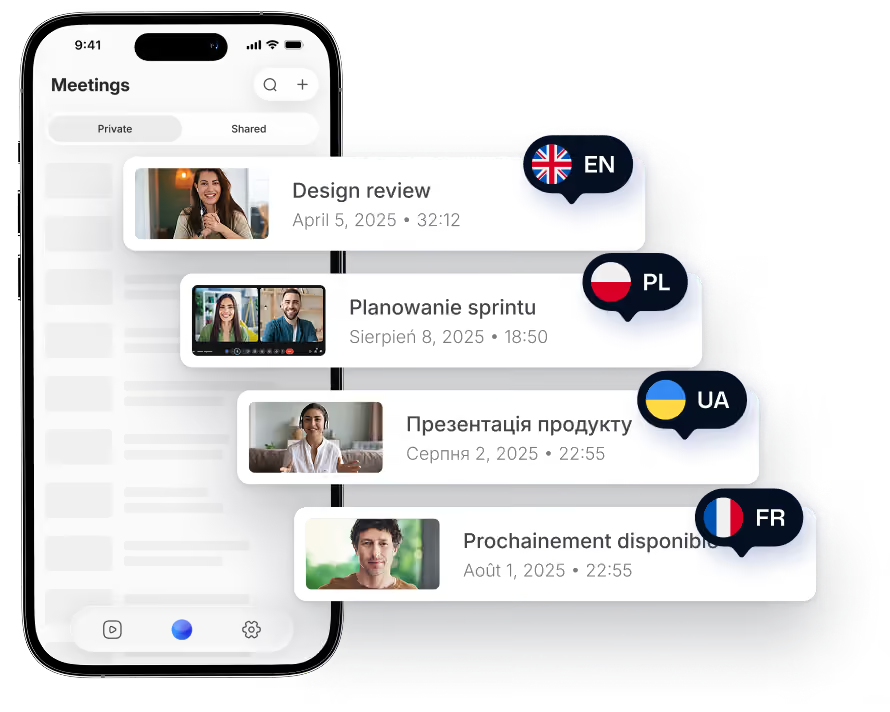
Discreet and fast
Notes and transcripts ready right after the meeting.
Import any recording
Get AI notes and transcripts from voice memos, videos, and recordings from other apps.
Bluedot syncs with your most important tools
Send notes to your CRM and docs without your laptop.
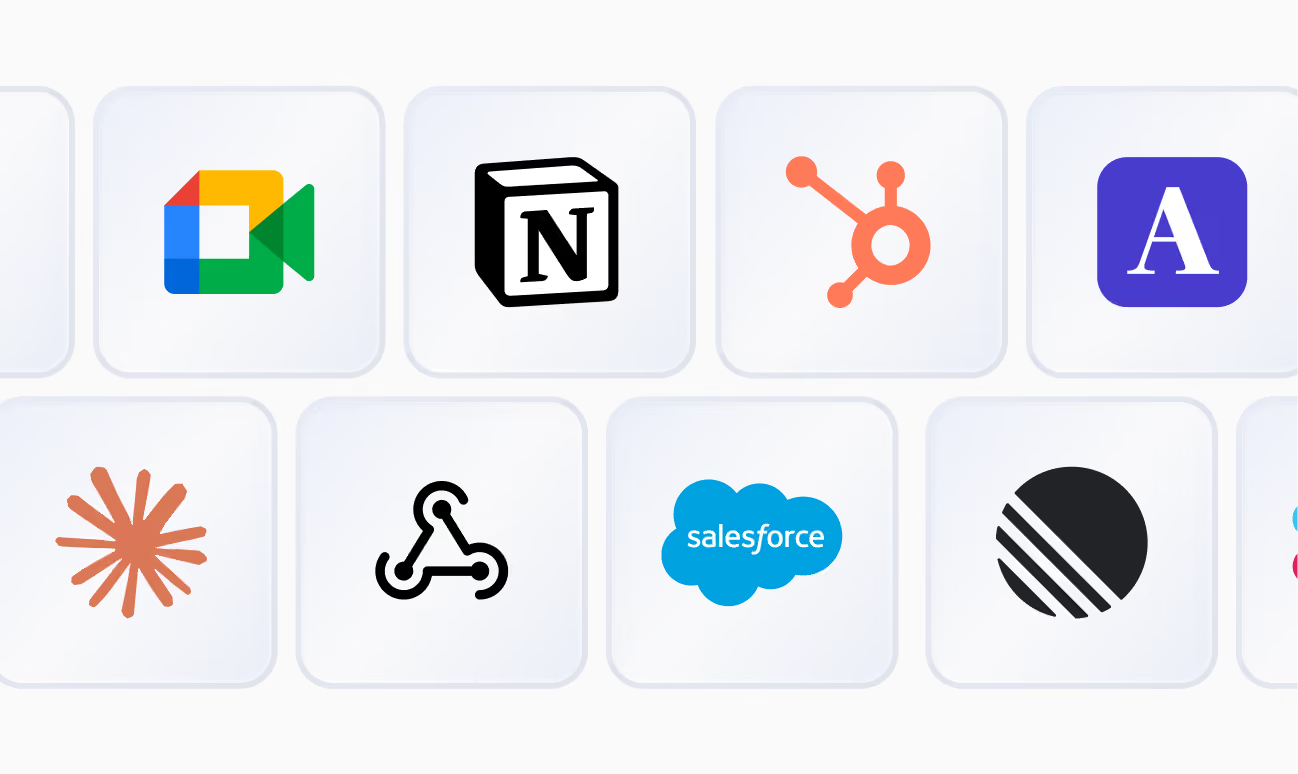
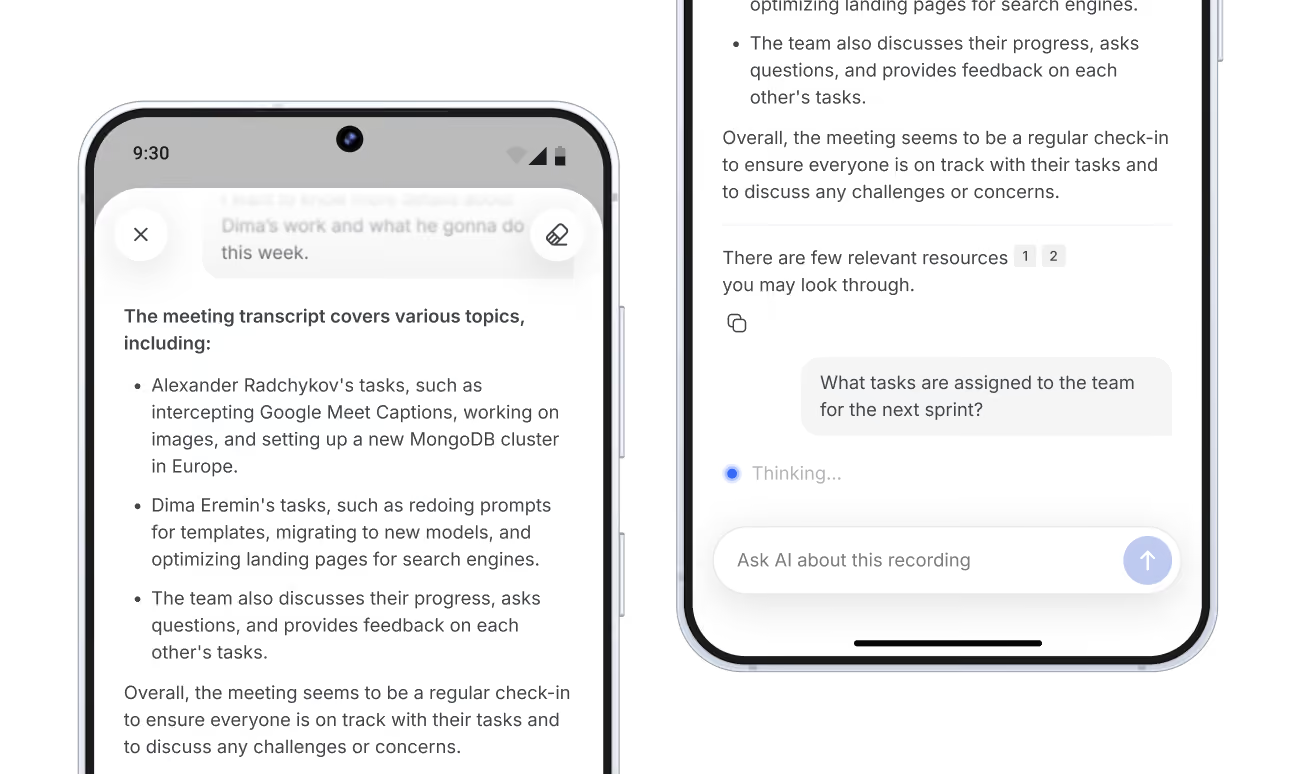
Ask AI chat anything
Get quick and detailed answers about any meeting.
Access any meeting with Bluedot
View all recordings, transcripts, and notes. Even those made on other devices.
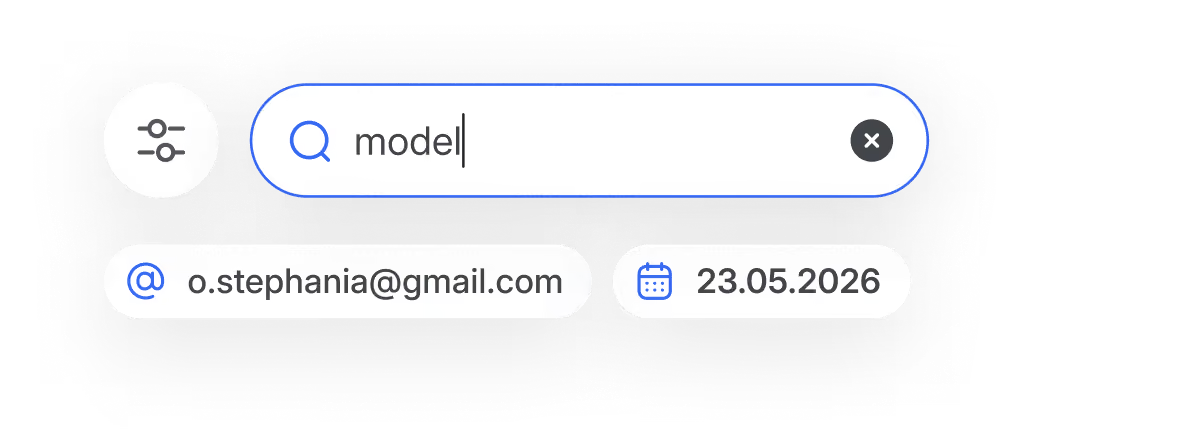
Search across all recordings
Find any keyword in your notes and transcripts.
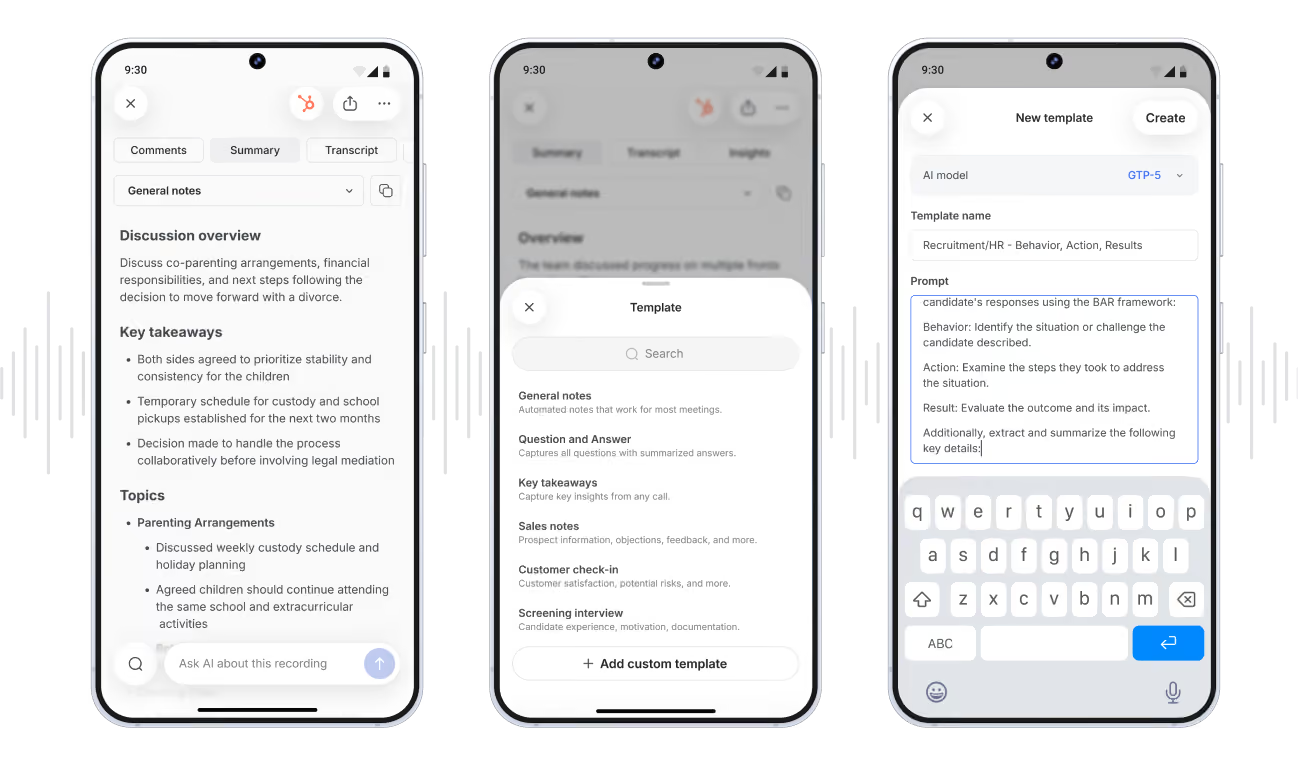
Custom templates for your notes
Customize AI notes directly on your phone.

Secure and private. You control your data
Here is why legal, healthcare, and finance teams trust Bluedot.


SOC 2 Type II
Independently audited controls for security, availability, and confidentiality.
GDPR compliant
GDPR-compliant controls and data processing.
AES-256 + TLS
Encrypted in transit and at rest, stored securely on Europe-based servers.
No AI training on your data
Your meetings are never used to train or improve AI models.

Game changer for the recruitment

One really good note-taker!
Good app
Game changer for the recruitment
Makes my life easier.
Recommend