%201.svg)


AI note taker for Apple Watch


How it works
Record and transcribe a meeting on your Apple Watch in three easy steps:
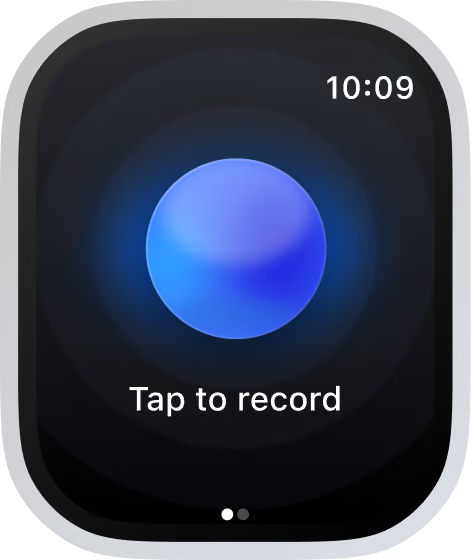
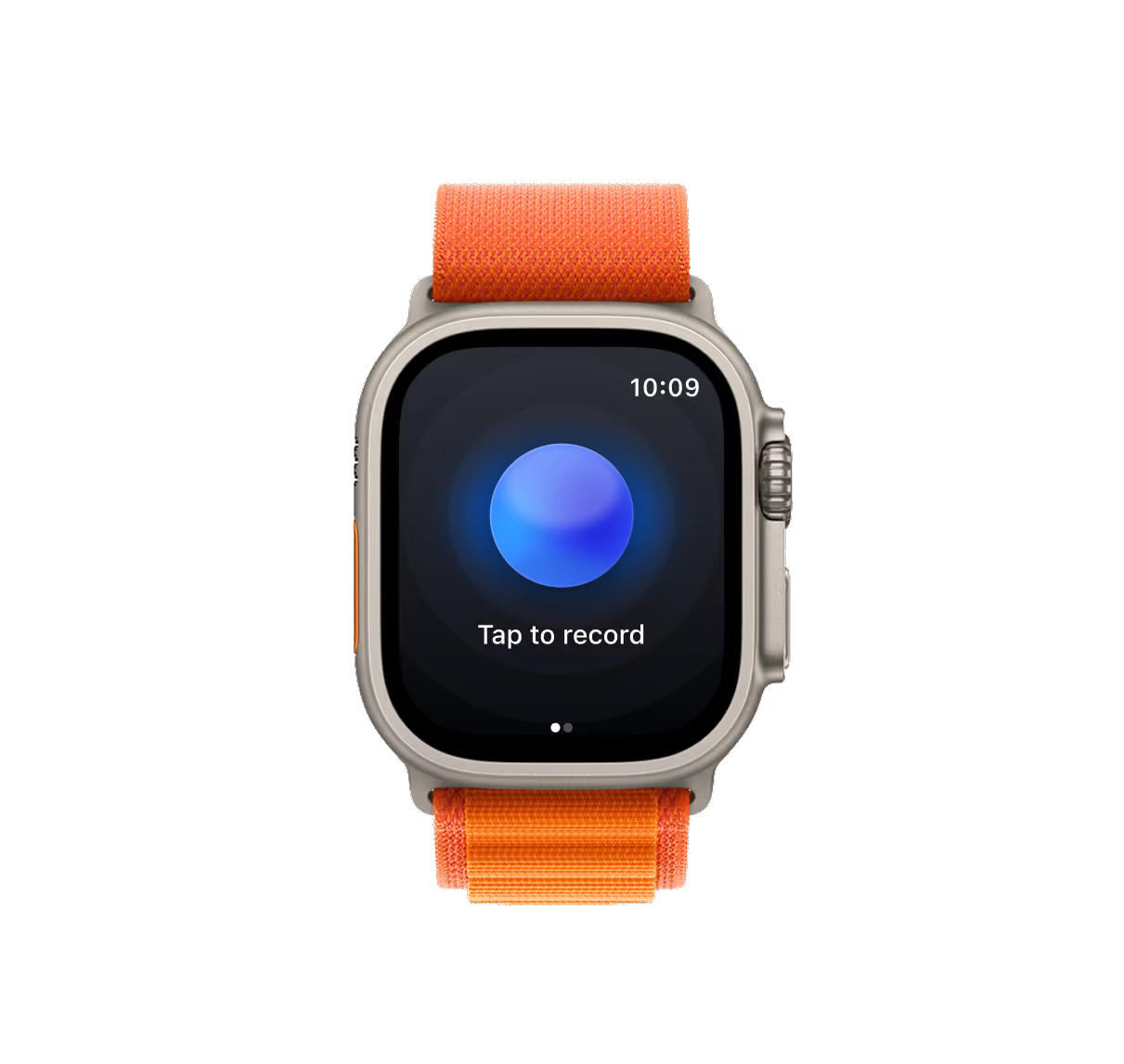
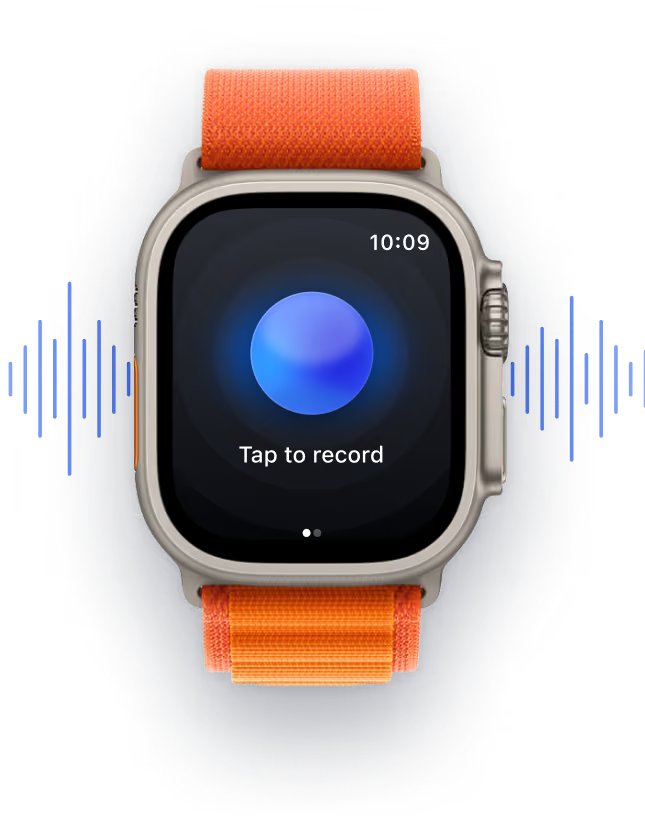
Tap record
Just tap the big blue "Record" button to start.
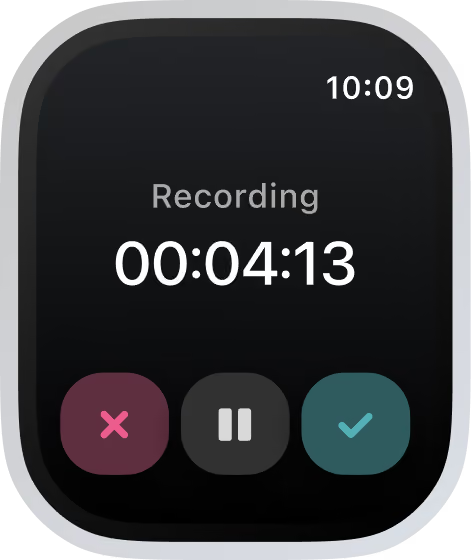
Have your meeting
Focus on the conversation. Bluedot records for you.
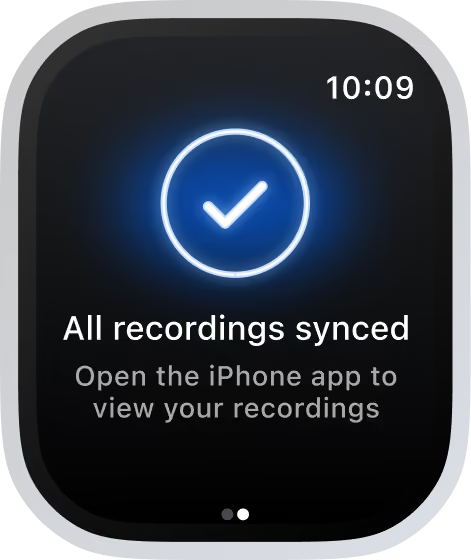
Get notes + transcript
AI notes, action items, and an accurate transcript - on all your devices.
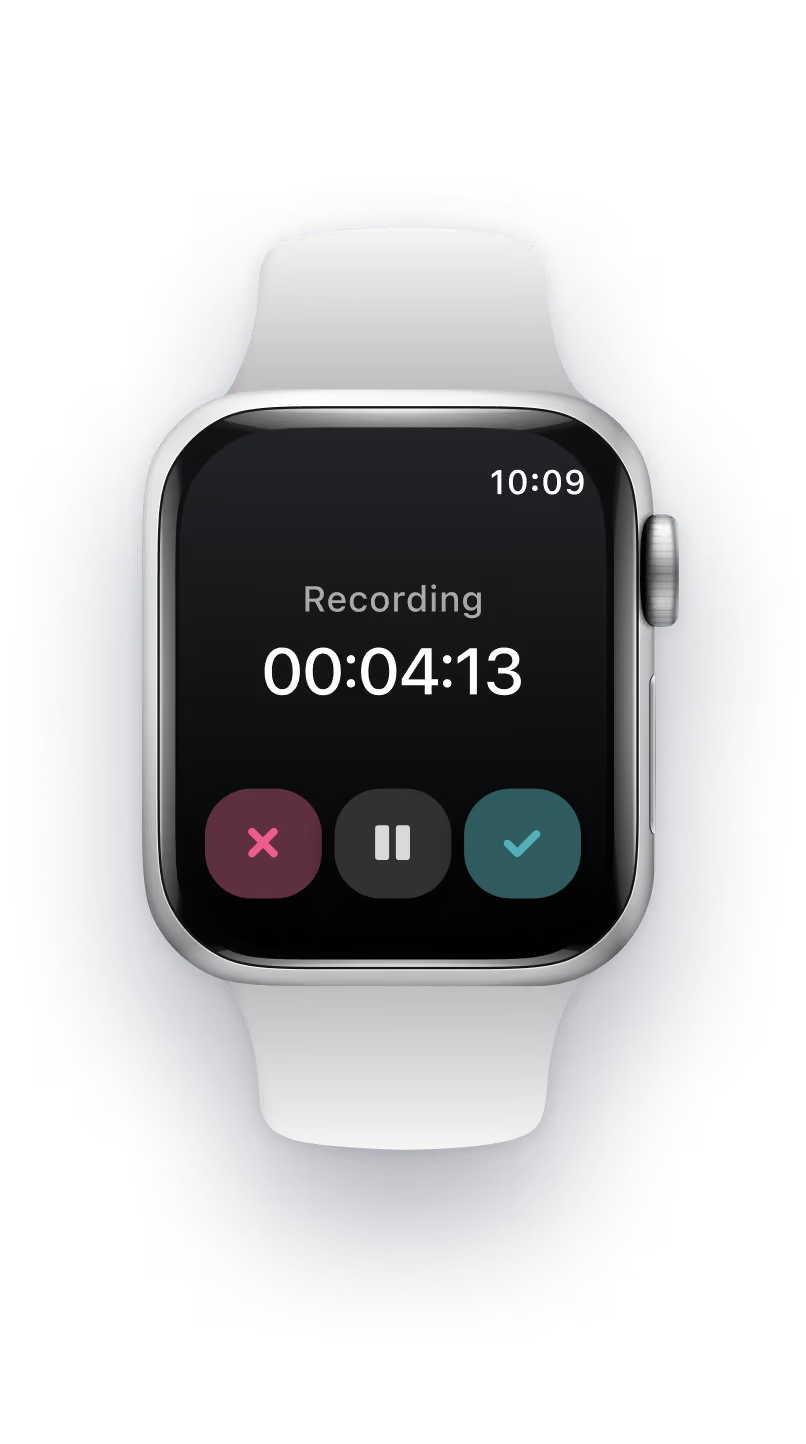
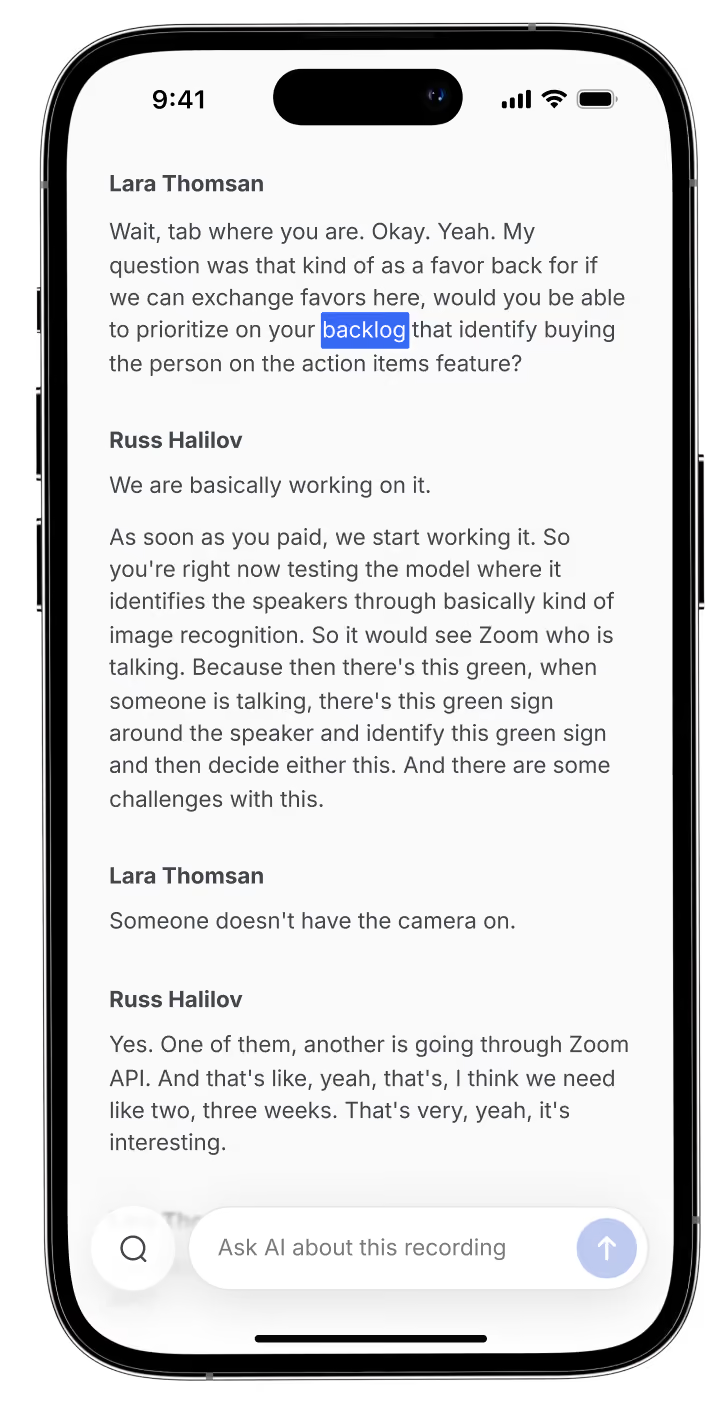
Just talk
Stay focused on the conversation. Anytime. Anywhere.
Bluedot takes notes
Never miss anything. Even the smallest details.

For every meeting that matters




Apple Watch AI note taker that works everywhere
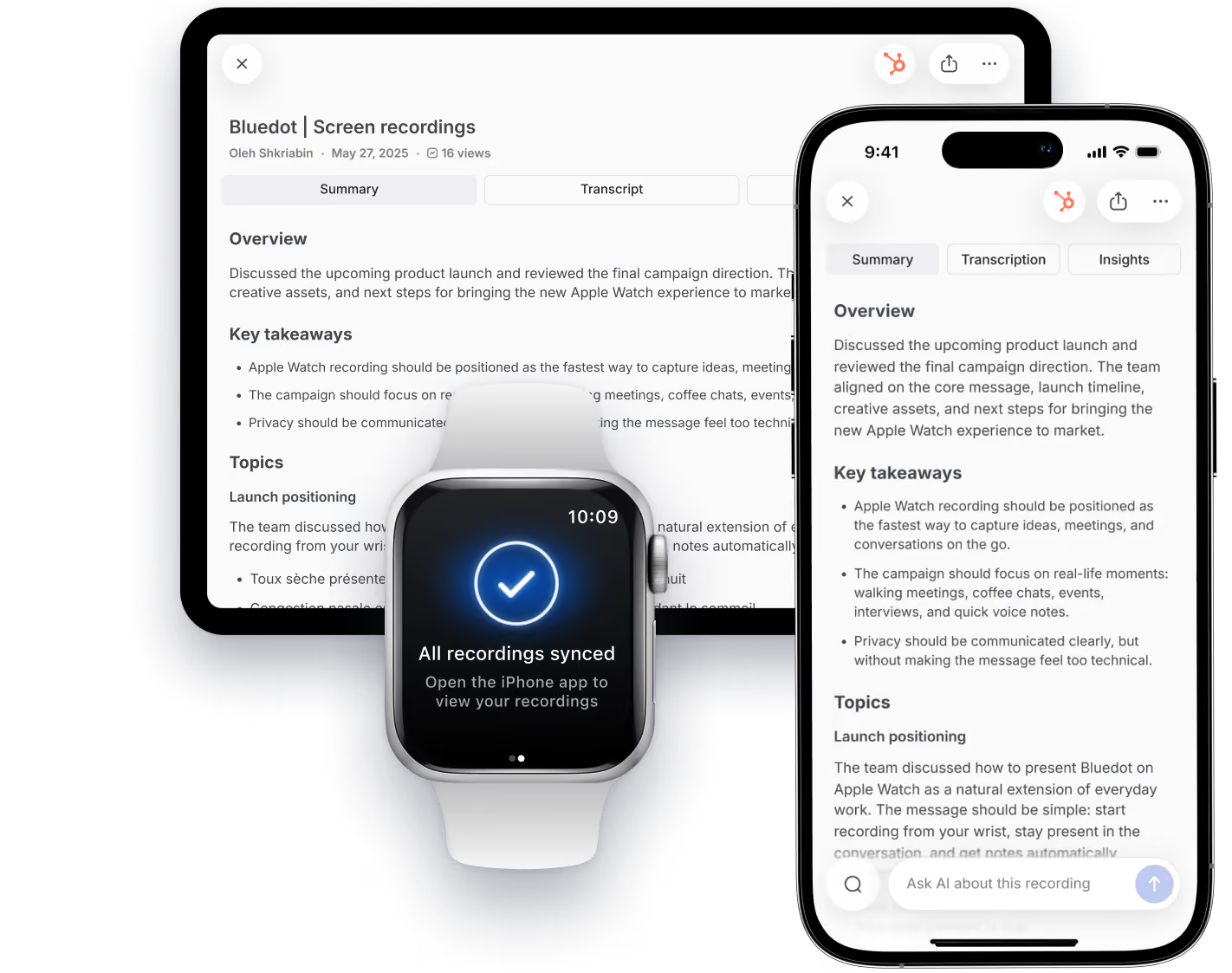
Your recordings, transcripts, and notes automatically sync across devices. Bluedot has native apps for Apple Watch, iOS, macOS, Windows, Android, and your browser.

iPhone
Record anywhere,
anytime.

iPad
Review and organize on a bigger screen.

Watch
Start recording with
one tap.

Mac
Stay in sync across
every meeting.

Works offline
Use the app anytime, anywhere.
No internet connection required.

No extra hardware to buy
No additional equipment. Everything you need is already on your device.
Stop guessing who said what
Speaker differentiation that separates each voice in the transcript.
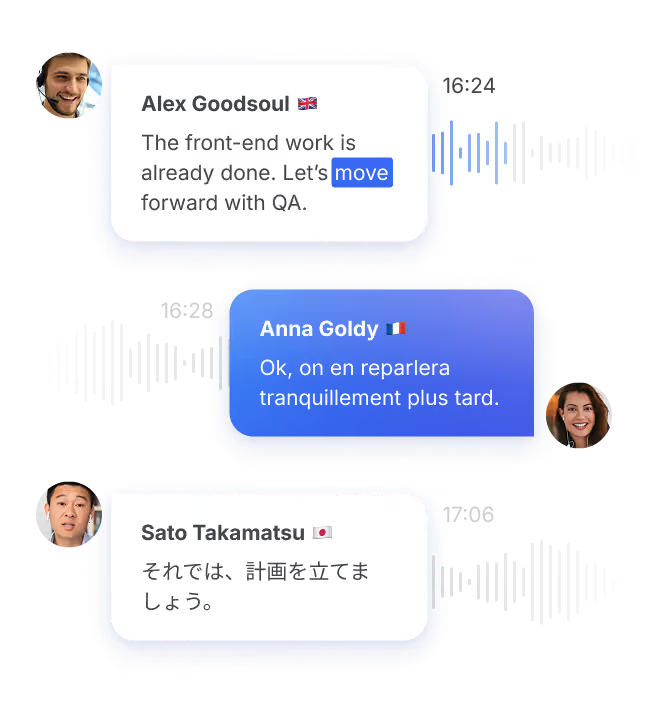
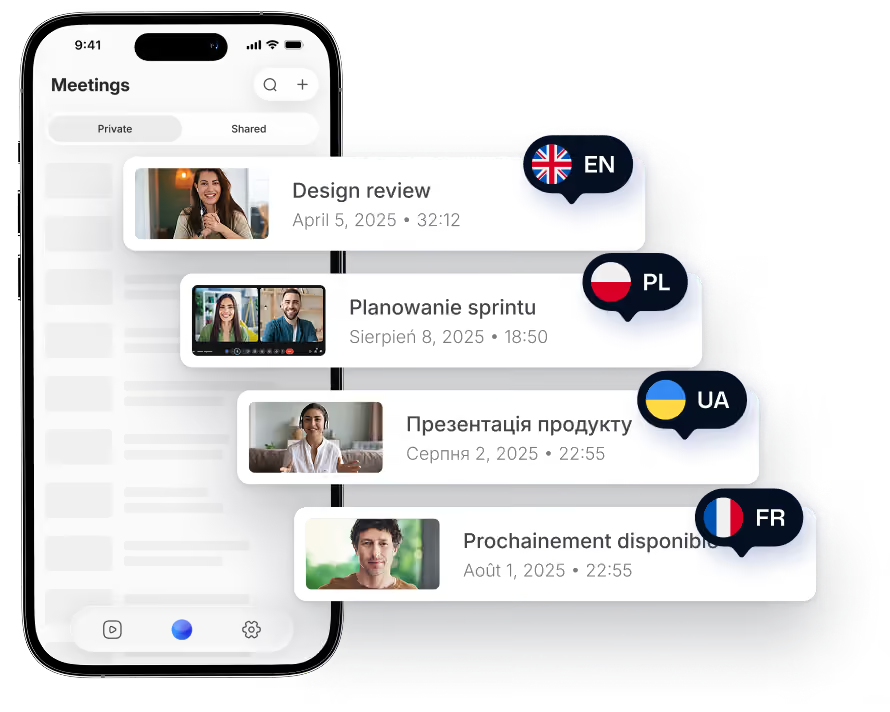
100+ languages
Accurate transcription and notes in any language, accent, or dialect.
Simple and discreet.
Just tap the blue button. No awkward setup.
Import recording to iPhone
Get transcripts and AI notes from any audio or video file on your phone.
Sync with all your tools
Send notes to your CRM and docs from your phone. No laptop needed.
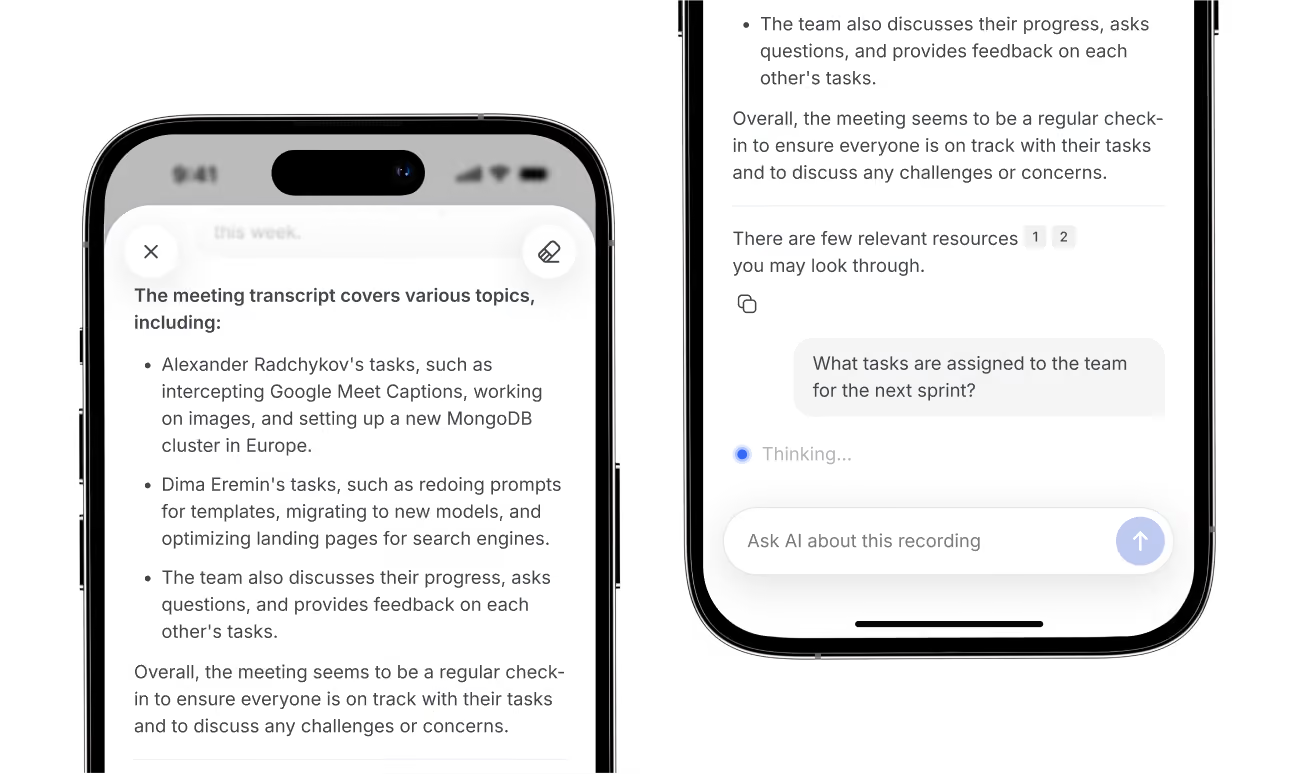
Get quick answers from our AI chat
Ask anything about any meeting. Analyze multiple conversations and spot trends.
View all meetings anywhere
Your Bluedot account lets you access all transcripts, notes, and recordings on desktop, browser, and mobile.
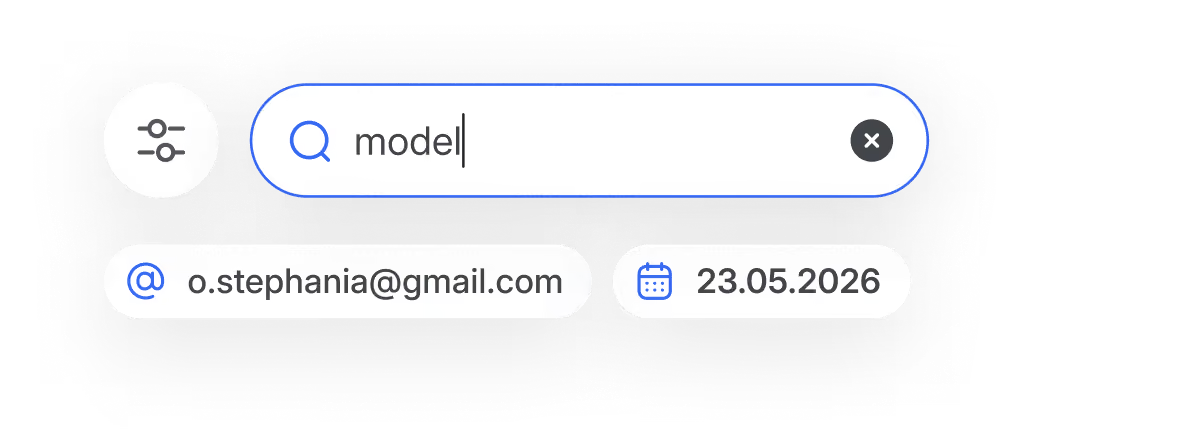
Search across everything
Find anything mentioned in any conversation.
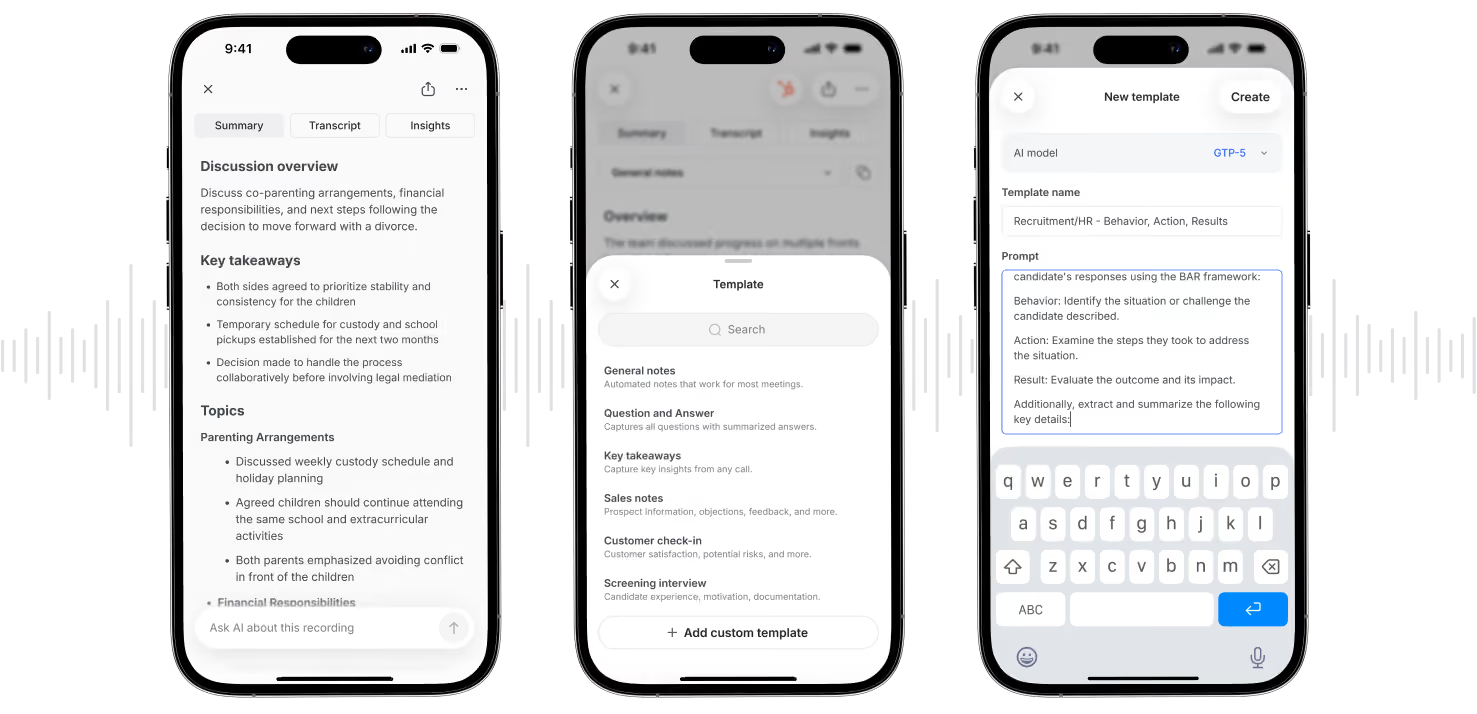
Custom notes for your specific needs
Customize templates for AI notes directly on your phone.

Maximum security and privacy
Here’s why Bluedot is the most secure AI note taker for Apple Watch:

SOC 2 Type II
Independently audited controls for security, availability, and confidentiality.
GDPR compliant
GDPR-compliant controls and data processing.
Data encryption
Data is protected with AES-256 encryption and TLS.
No AI training on your data
Your meetings are never used to train or improve AI models.

Apple Watch users love Bluedot
See what Apple users are saying about Bluedot on the App Store:
Game changer for the recruitment

One really good note-taker!
Good app
Game changer for the recruitment
Makes my life easier.
Recommend