
AI Note Taker for Apple Watch
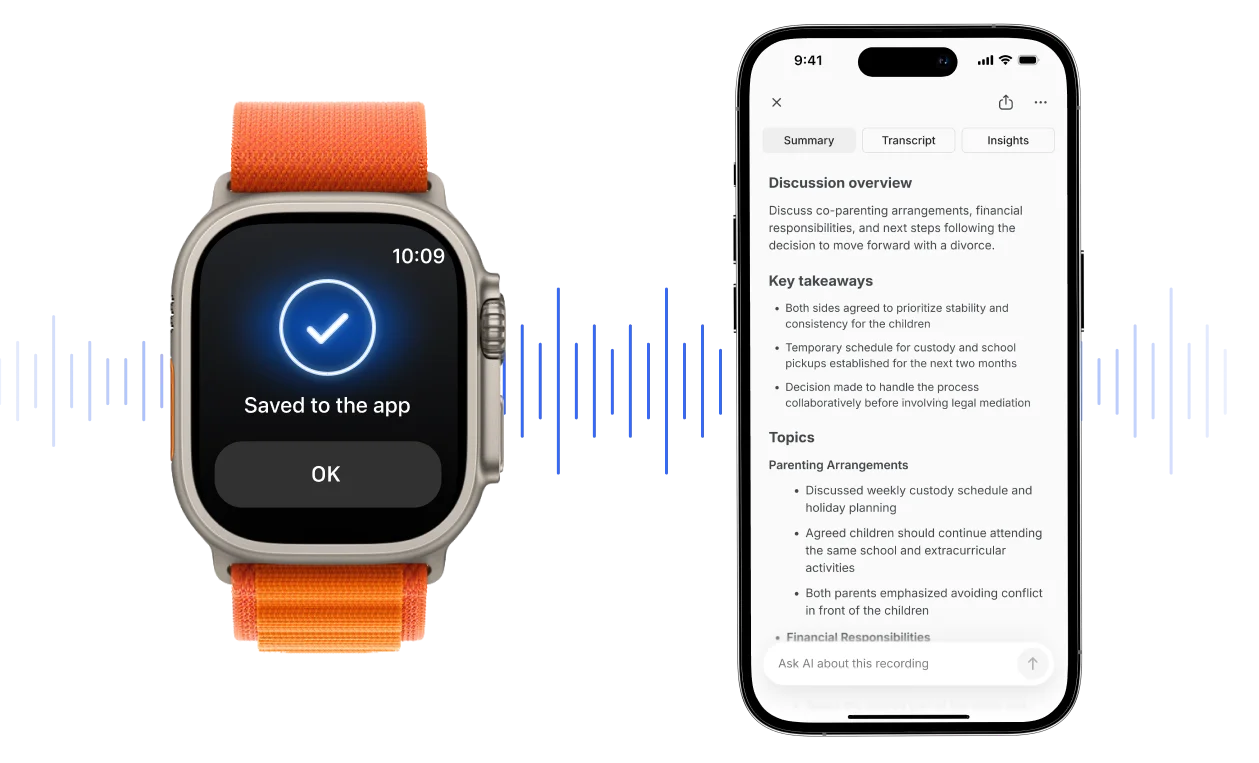
Bluedot records the conversation, then gives you an accurate transcript, summary, and action items.



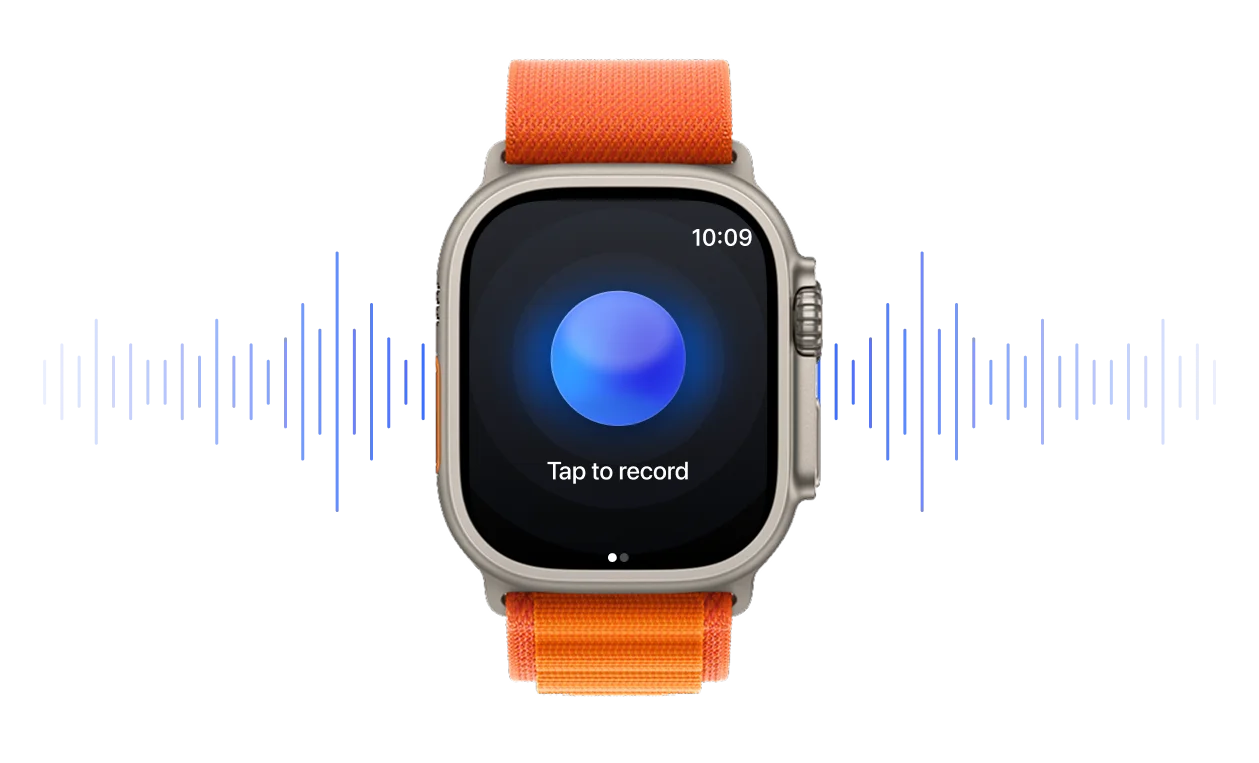
Bluedot’s Apple Watch app in action


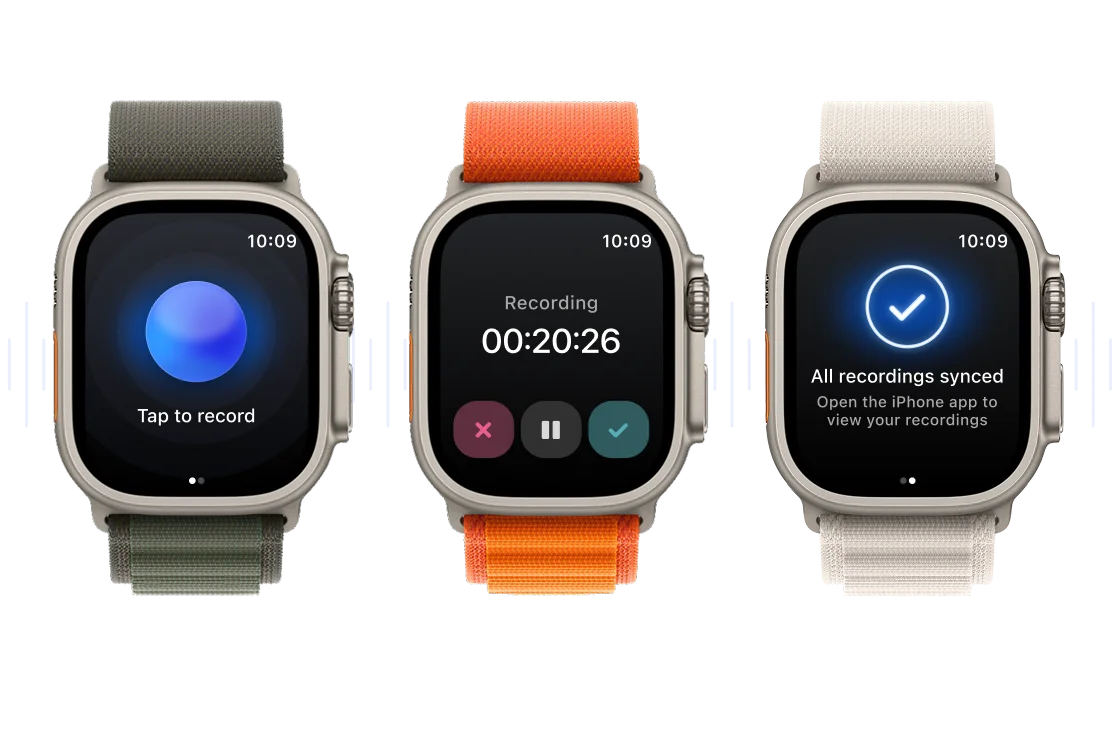
How Bluedot’s Apple Watch AI note taker works
Why you’ll love Bluedot on your wrist
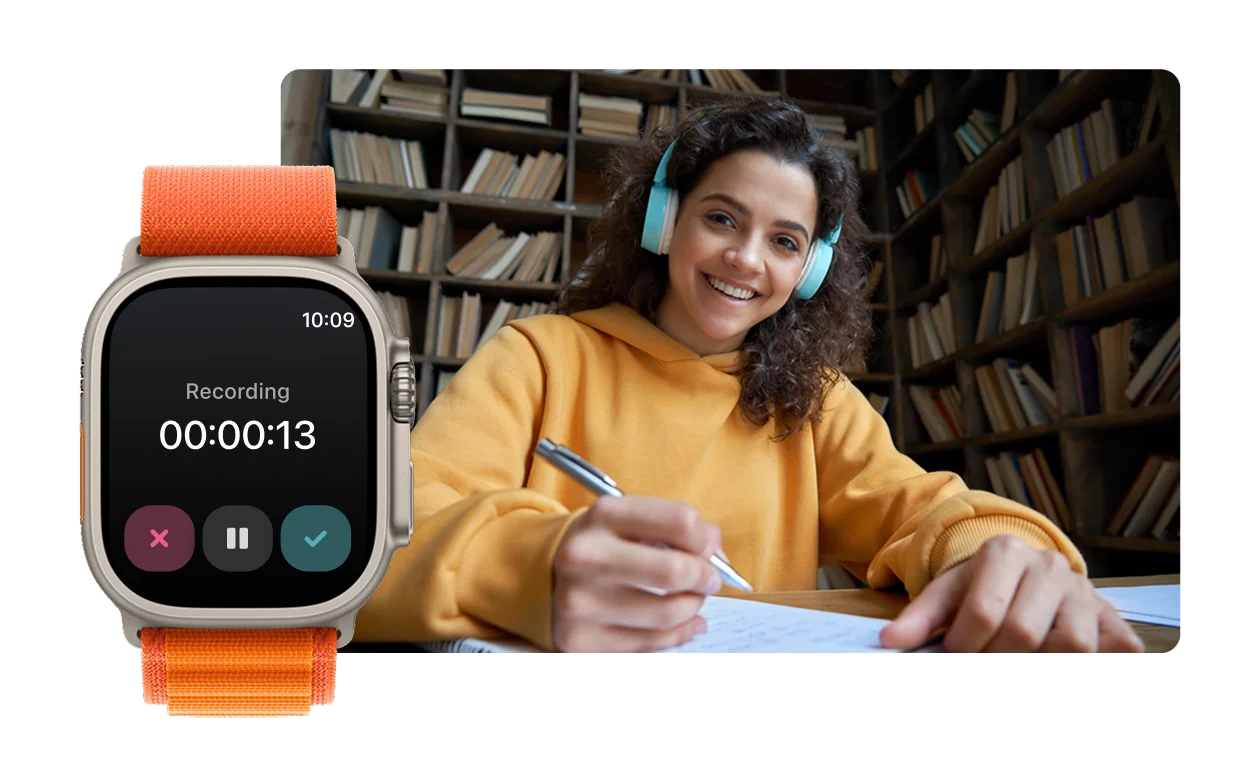
Meetings don't always happen at your desk. Bluedot turns your Apple Watch into a hands-free voice recorder, capturing conversations so you can stay present and engaged. Whether you're on a sales visit, client check-in, or walking one-on-one, Bluedot’s Apple Watch AI note taking app is always there to back you up, perfect for professionals on the go, students, or just everyday life.
Leave your phone in your pocket
Forget about awkwardly pulling out a phone to record and putting everyone off.
Bluedot’s Apple Watch AI note-taking app is a hands-free recorder you can use everywhere — sales visits, hallway talks, walking one-on-ones.
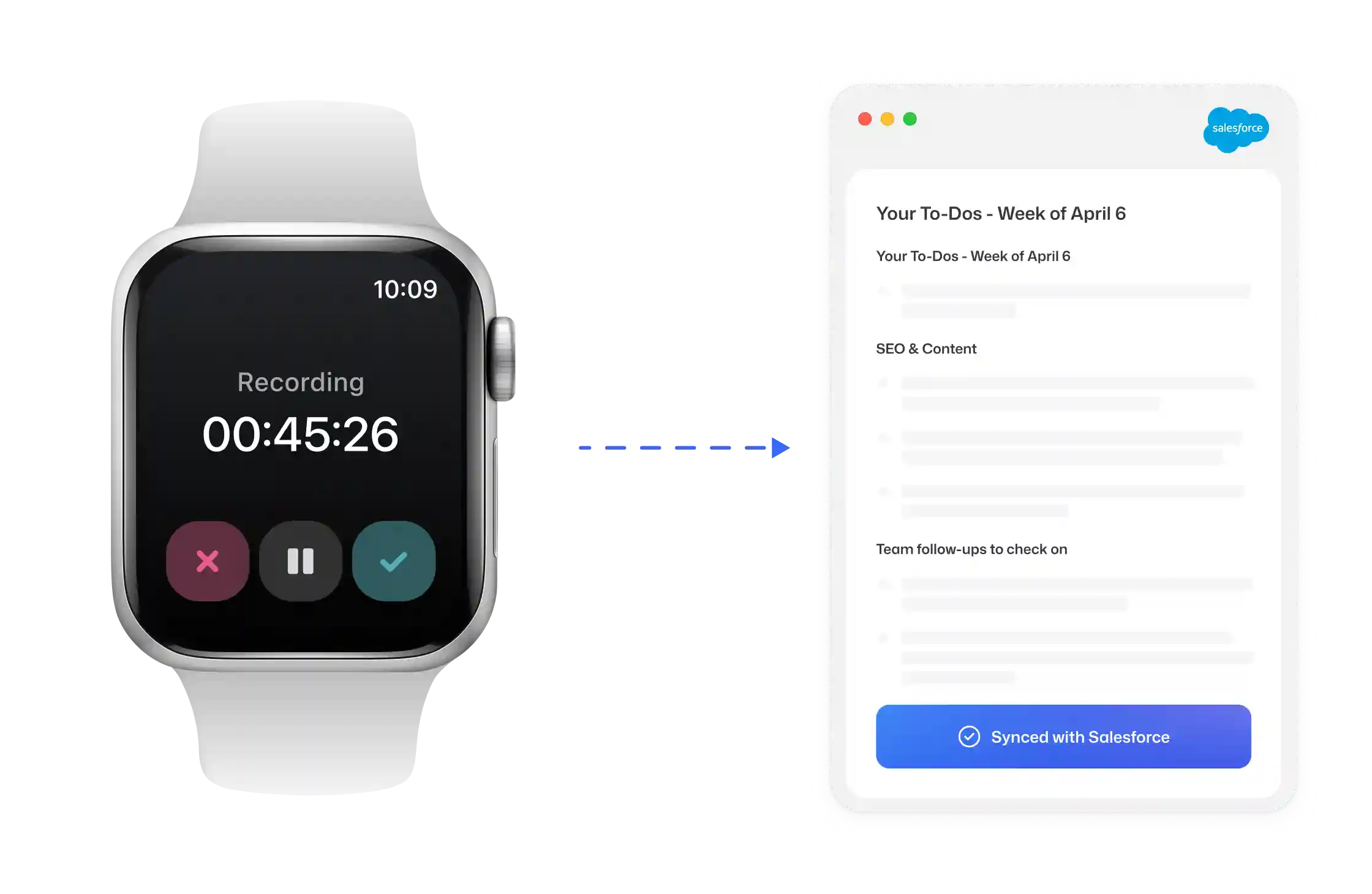
Have your notes everywhere
Recordings, transcripts, and summaries sync automatically to your iPhone and desktop, and flow straight into Slack, Notion, and your CRM.
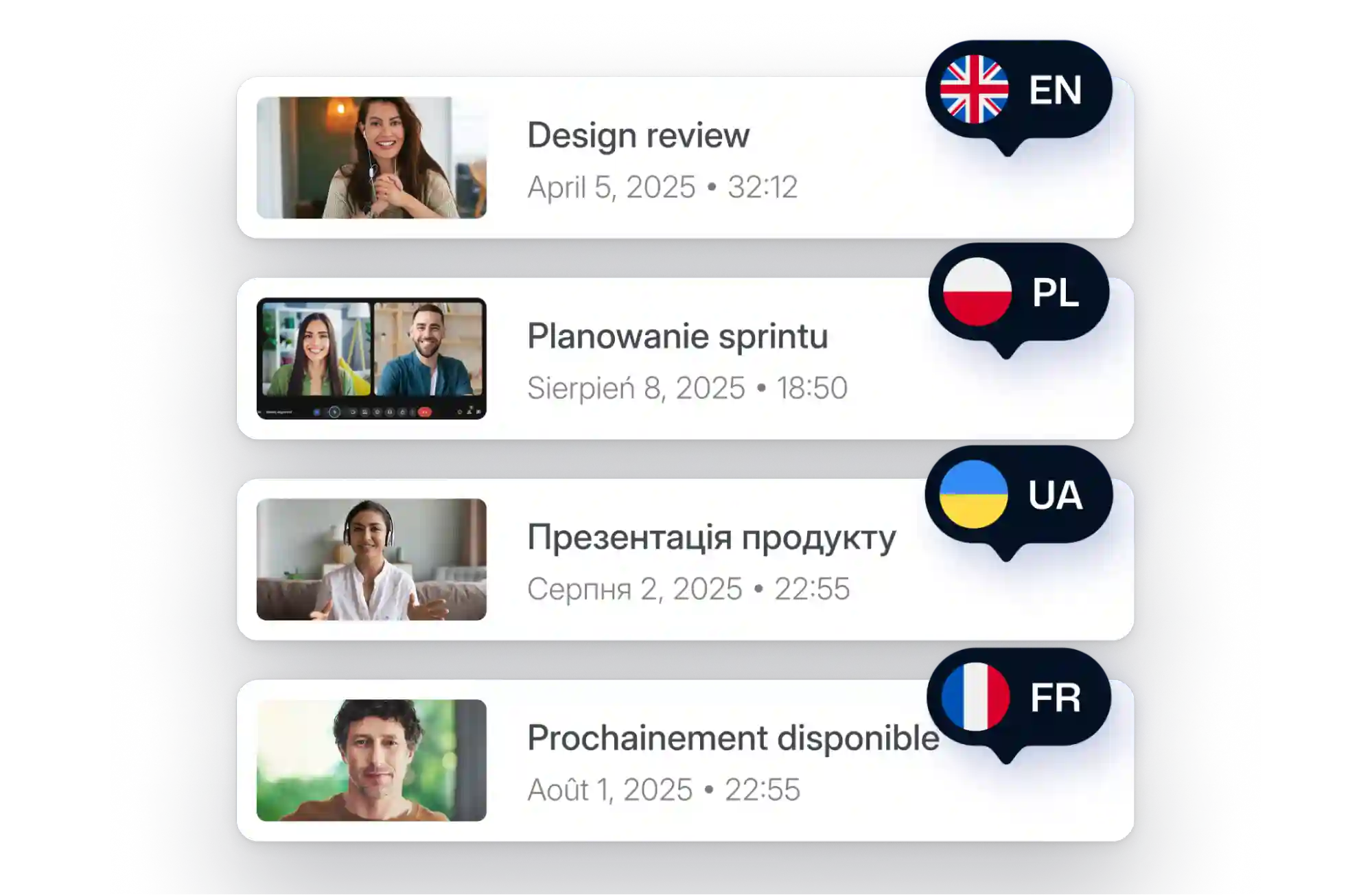
Record and transcribe in any language and accent
With multi-dialect voice capture, Bluedot’s AI note taker for Apple Watch handles mixed accents, crosstalk, and background noise across 100+ languages.
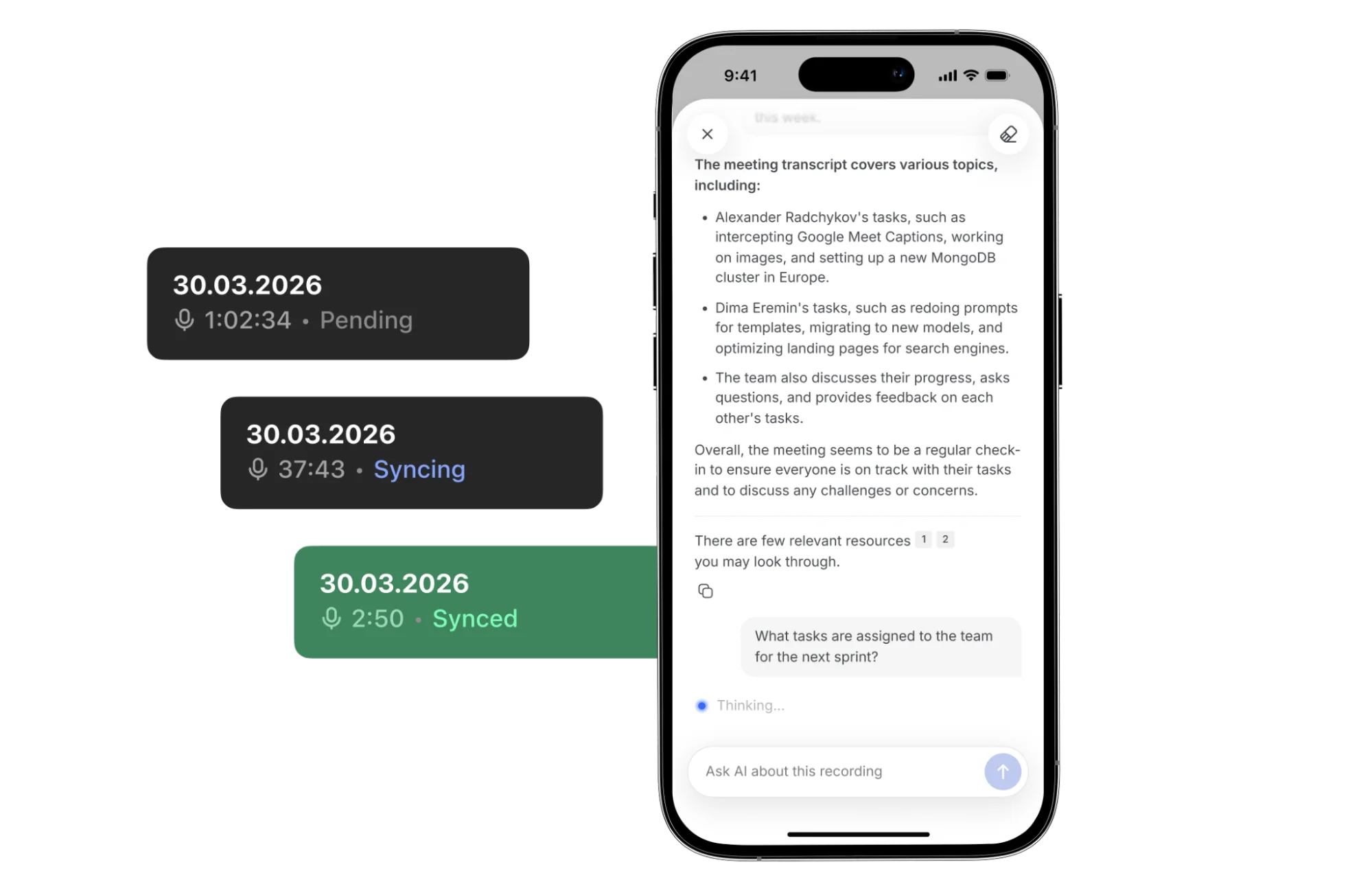
Get instant insights from every conversation
Chat with Bluedot's AI or search across your whole conversation history.
Ask what a client said about pricing, pull an exact quote, or get insights across all meetings — without digging through hours of audio.
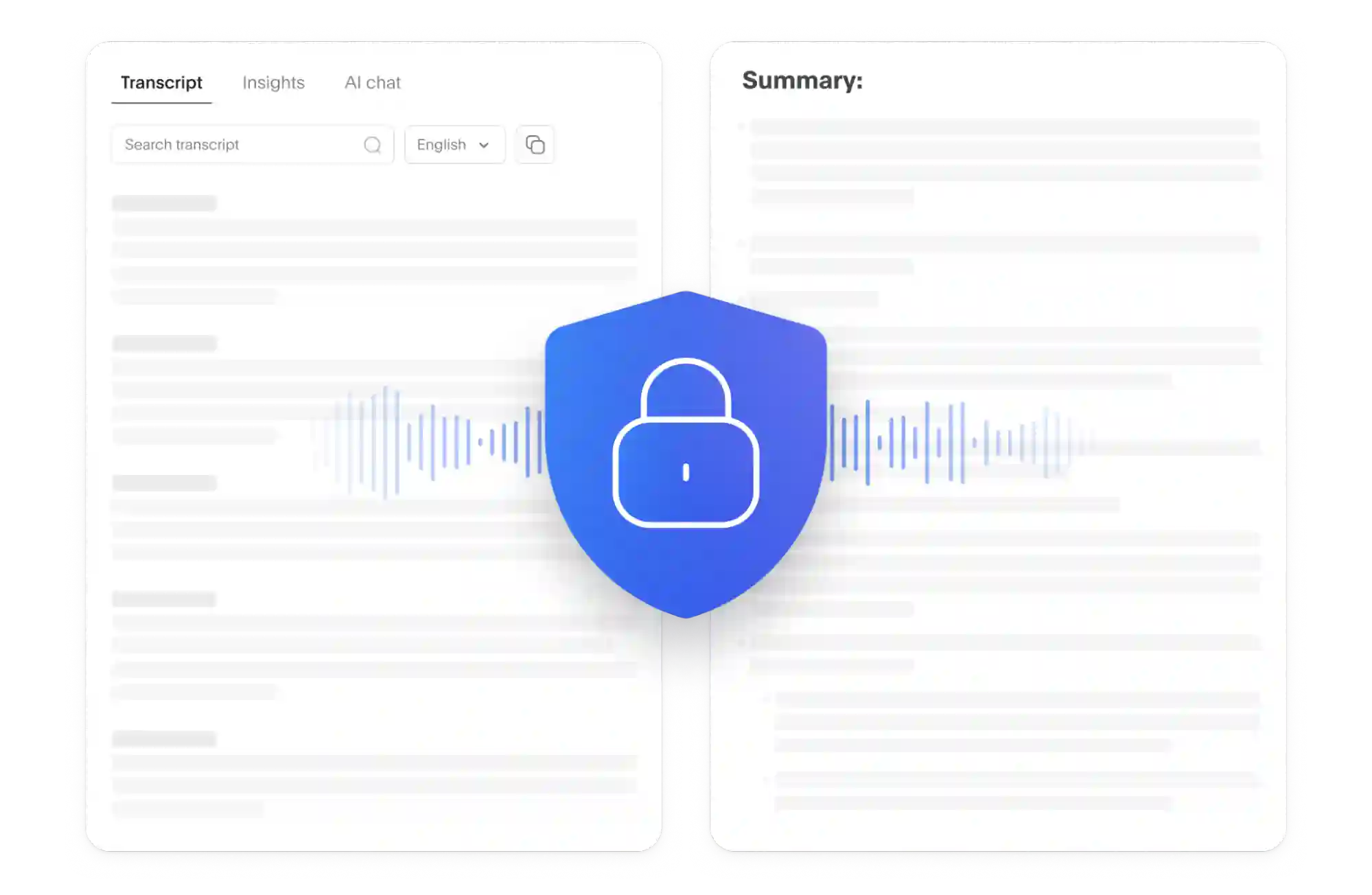
Private and secure Apple Watch AI note taking
We're SOC 2 and GDPR compliant, with data stored in your region (EU or US) on encrypted infrastructure — with custom data-retention controls.
Bluedot never shares your private data with third parties and doesn’t use it to train public AI models.
FAQs
Do you use my recordings to train AI?
Do I need my iPhone nearby to record from Apple Watch?
What versions of watchOS are supported?
How does Bluedot handle long conversations and battery drain?
Can I manage meeting notes directly from my Apple Watch?
Can I customize the summaries the AI generates from my watch recordings?
Does the Apple Watch app distinguish different speakers?
Bluedot works wherever you work
Integrate Bluedot with your favourite tools.


%201.svg)
%201.svg)
%201.svg)



